
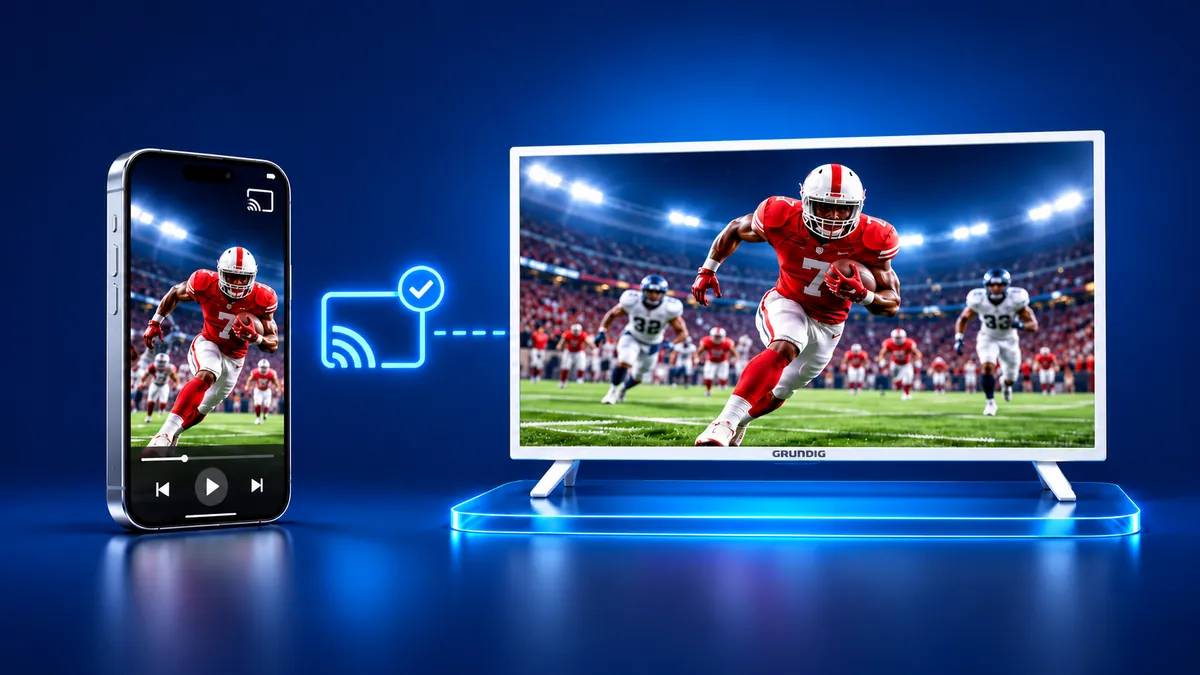
Grundig TV screen mirroring from an iPhone
By  Vlad Karatai · Updated · 4 min read
Short answer
Yes for videos: the Grundig 55 GHU 8500 A, 8000 and 7505 B have Chromecast built-in, and Google lists iOS 14 or later for casting. Three manuals never mention AirPlay. For the whole iPhone screen, Grundig describes no route, so an app or a cable is left. Screen Mirroring · Smart TV supports 12 platforms, including Chromecast.
Contents
Does a Grundig TV have screen mirroring?
Grundig names a screen sharing feature but gives iPhone owners no path to it. Its technology page lists "Extended Live Share Teknolojisi" under "Ekran Paylaşımı" (Screen Sharing), for showing a smart device on the TV. The manuals for three Grundig models never use the words "ekran paylaşımı" and give no menu for it.
Grundig does not say what Live Share supports. The manuals do describe Chromecast built-in. The 55 GHU 8500 A manual says "Chromecast Android ve iOS'de çalışır" (it runs on both phone systems).
| Model | System | Chromecast section |
|---|---|---|
| 55 GHU 8500 A | Google TV | Manual pages 66 to 68 |
| 55 GHU 8000 | Google TV | Manual page 68 |
| 55 GHU 7505 B | Android TV | Manual page 75 |
How do I mirror my iPhone to a Grundig TV?
For the whole iPhone screen, an app is the shortest route. Screen Mirroring · Smart TV supports 12 platforms, Chromecast and Android TV among them. Once both devices share a Wi-Fi network, it finds your TV on its own.
The models above run Google TV or Android TV with Chromecast built-in, one of the 12 platforms.
Pick your TV once and the app remembers it: next time is one tap, with no codes and no ads. Free download on the App Store
Can I use AirPlay with a Grundig TV?
Grundig does not say so. The word AirPlay appears in none of the manuals for the 55 GHU 8500 A, 55 GHU 8000 or 55 GHU 7505 B, and the site's own search finds nothing for it.
Apple says that AirPlay to a TV needs an Apple TV 4K or an AirPlay 2-enabled smart TV. Apple's list of AirPlay TVs (checked September 9, 2026) has no Grundig entry. Without a statement from either company, plan on Cast, the app or a cable.
How do I cast from an iPhone to a Grundig TV?
Photos, videos and games cast from a Chromecast-enabled app. The GHU 8500 A manual says an iOS mobile device can send them.
Google's Cast page lists an iPhone or iPad with iOS 14 or later as supported. The 8500 A manual says iOS 7.0 and later, so go by Google.
Casting needs one Wi-Fi network, an app with a Cast button and Local Network turned on. The app needs the same network, then one tap.
To cast from a Cast-enabled app, follow Google's steps:
- Connect the iPhone to the same Wi-Fi network as the Grundig.
- Open an app that supports Google Cast.
- Tap the Cast button and choose your Grundig.
- When the Cast button turns solid, casting is on. To stop, tap it again, then Disconnect.
Can I connect an iPhone to a Grundig TV with a cable?
Yes, with an adapter that fits your iPhone. The cable works without a Wi-Fi network, and Apple sets the rules for it.
Apple lists video out over USB-C for iPhone 15 models, iPhone 16 models except the 16e, iPhone 17 models except the 17e and iPhone 18 Pro models. Those models connect with a USB-C to HDMI adapter or cable.
Apple's adapter page says to pick an adapter with the same connector as your iPhone: USB-C or Lightning. The cable mirrors the iPhone display. Movies, TV shows and some streaming apps require HDCP, and without it an alert asks for an HDCP-compatible device.
Grundig TV screen mirroring not working: what to check
Check the network first, then the model.
- Put the iPhone and the TV on one Wi-Fi network, as Google asks.
- Google says you must enable Local Network on an iPhone with iOS 14 or later.
- The 8500 A manual shows the model under "Sistem" (System) > "Hakkında" (About).
- For waking a standby TV by cast, the 8500 A manual lists "Ayarlar" (Settings) > "Ağ ve İnternet" (Network and Internet) > "Kablosuz Ağda Uyandırma" (wake on wireless network) > "Uyandırma yapılandırmaları" (wake configurations) > "WoC".
What to remember
- Chromecast built-in is the one iPhone route Grundig documents.
- Google asks for iOS 14 or later, and the 8500 A manual says 7.0.
- An app or a cable covers the full iPhone screen.
- Extended Live Share has a name but no steps.
Questions people ask
How do I connect a phone to a Grundig TV?
Put the phone and the TV on one Wi-Fi network, open an app with a Cast button, tap Cast and pick the TV. Grundig's manual says Chromecast runs on Android and iOS, and all three manuals include the section.
How do I turn on screen mirroring on a Grundig TV?
Grundig lists no steps for it. On an iPhone, cast from an app with a Cast button, mirror the whole screen with an app, or use a cable. Each route is covered above.
Does Grundig's Live Share work with an iPhone?
The line on its technology page speaks of smart devices without naming iOS. The only iOS mention in the manuals is Chromecast.
How do I find my Grundig TV model?
The 8500 A manual says "Sistem" (System) > "Hakkında" (About) shows the model, the status with IP and MAC addresses, and the serial number.
Read next
More guides
- Why Netflix Won't Mirror or AirPlay From an iPhone
- Smart View App on Galaxy and iPhone (2026)
- Onvo TV Screen Mirroring on iPhone: What Works (2026)
- Panasonic VIERA Screen Mirroring: iPhone and Android
- Philco TV Screen Mirroring From iPhone (2026)
- Sunny TV Screen Mirroring From iPhone (2026)
- How to AirPlay to Samsung TV: Steps and Menu (2026)
- How to Mirror iPad to Roku TV: Steps and Models (2026)
- TV Not Showing Up on AirPlay? How to Fix It (2026)
- AirPlay Password: Where the TV Code Comes From (2026)
- How to Fix No Sound in Screen Mirroring (2026)
- Apple TV Screen Mirroring From iPhone (2026)
- Hisense TV AirPlay: How to AirPlay on Hisense TV (2026)
- TCL TV AirPlay: How to AirPlay to TCL TV (2026)
- How to Cast iPad to Samsung TV (2026)
- How to Mirror iPad to TV: 3 Ways That Work (2026)
- AirPlay Not Working on Samsung TV: Fixes (2026)
- What Is Screen Mirroring? How It Works on iPhone
- Vizio AirPlay: Mirror Your iPhone to a Vizio TV (2026)
- How to Cast to Samsung TV: iPhone and Galaxy (2026)
