
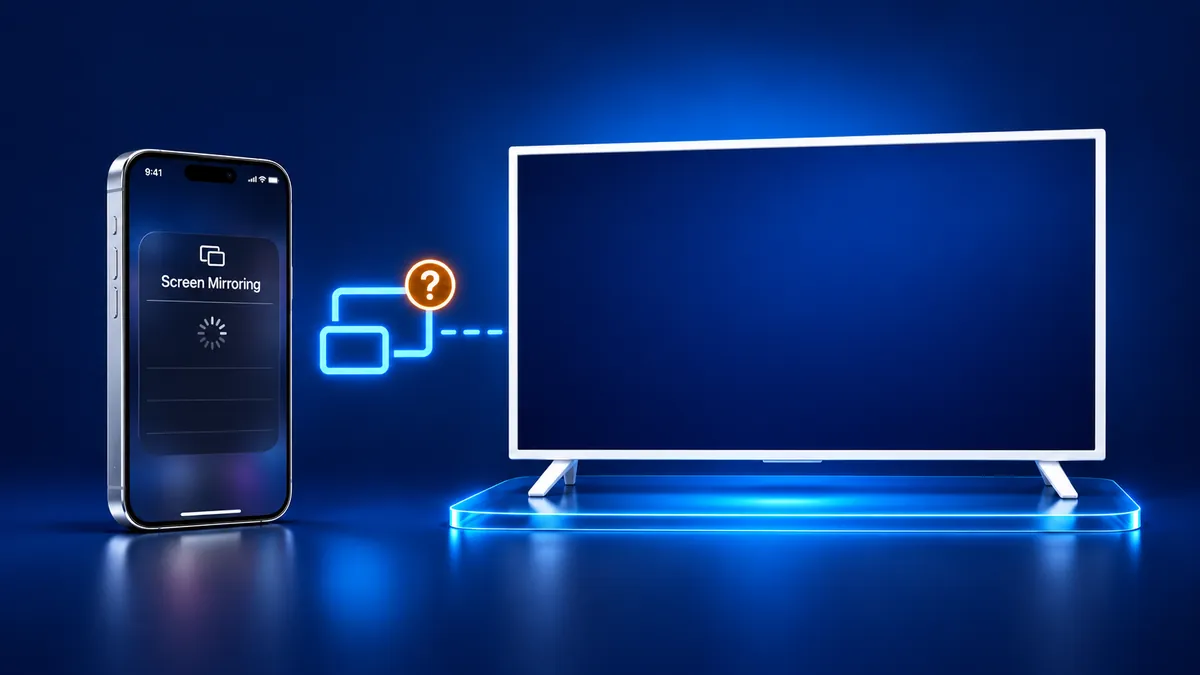
TV Not Showing Up on AirPlay or Screen Mirroring
By  Vlad Karatai · Updated · 4 min read
Short answer
A TV not showing up on AirPlay can mean AirPlay is off, the model has no AirPlay 2, or the iPhone is on another network. Apple's checks include the same Wi-Fi, the latest software and a restart. Screen Mirroring · Smart TV finds your TV on its own on that Wi-Fi. It needs iOS 15.0 or later.
TV not in the list? Pick your TV
Get the checks that match your TV or streaming device.
What is your TV or streaming device?
Contents
TV not showing up on screen mirroring? Let the app find it
Screen Mirroring · Smart TV finds your TV on its own when your iPhone and the TV are on the same Wi-Fi network. Pick your TV from the list once. The app remembers it, so next time it is one tap, with no codes to type.
It works on iPhone and iPad. Free download on the App Store.
Still want AirPlay? The TV, the network and the iPhone all have to pass a check.
Why is my iPhone not finding my TV?
Two causes stand out: the TV is not offering AirPlay, or the iPhone has stopped an app from looking at your network.
Apple says an app on iOS 14 or later must ask permission the first time it browses your local network. If you tapped Don't Allow, that app is cut off from devices there. AirPlay is a system service, which Apple says an app can still use without that access. So Control Center can list your TV while an app's own list stays empty.
If an app's own list is empty, open Settings > Privacy & Security > Local Network and check that the app is on.
TV not showing up on AirPlay: does the TV support it?
Apple says AirPlay to a TV needs an Apple TV 4K or an AirPlay 2-enabled smart TV. Brand and model year matter.
On a Roku, check the model under Settings > System > About against Roku's lists.
| TV or stick | AirPlay support |
|---|---|
| Samsung TV | Has it on select 2018 to 2025 models |
| LG TV | Has it on listed series from webOS 4.0 (2018) to webOS 24 (2024) |
| Roku | Has it on listed models, with a minimum Roku OS for most |
| Fire TV smart TV | Has it on some models only |
| Fire TV Stick, Chromecast | Has no AirPlay receiver |
How do I make my TV discoverable for AirPlay?
Switch AirPlay on in the TV's own settings, because a TV with AirPlay off does not appear in the list.
- Samsung: open Apple AirPlay Settings under General, or under Connection on 2023 and newer sets.
- Roku: set AirPlay to On under Settings > Apple AirPlay and HomeKit.
- Fire TV smart TV: open Settings > Display & Sounds > AirPlay & HomeKit.
- Apple TV: open Settings > AirPlay and Apple Home. Allow Access can limit streaming to people sharing the home or require a password.
- TCL Roku TV: turn on Fast TV Start (Settings > System > Power) or the set may drop off the network when off.
Why is my TV not discoverable for screen mirroring?
When an AirPlay device is not showing up, Apple's checklist includes the same Wi-Fi network, the latest software and a restart. Three setups hide a TV even then:
- Mobile hotspot: Samsung says most hotspots do not allow communication between devices.
- Hotel Wi-Fi: a hotel set without an AirPlay hospitality platform has consumer AirPlay removed, and the network isolates guests.
- VPN: Apple says one that blocks local networking may interfere.
iPad not showing up in screen mirroring
When an iPad is not showing up on screen mirroring, the same checks apply, because Screen Mirroring on iPad runs on AirPlay too. Local Network access sits in the same place on iPadOS 14 or later.
If the TV shows up but the picture stays on the iPad, read our guide on AirPlay only playing audio.
What to remember
- An app that finds no TV may need access under Local Network.
- Control Center can still list your TV, because AirPlay is a system service.
- AirPlay to a TV needs an Apple TV 4K or an AirPlay 2-enabled smart TV.
Read next
More guides
- Why Netflix Won't Mirror or AirPlay From an iPhone
- Arcelik TV Screen Mirroring From an iPhone (2026)
- How to AirPlay to Samsung TV: Steps and Menu (2026)
- Vestel TV Screen Mirroring: iPhone and Android (2026)
- How to Mirror iPad to Roku TV: Steps and Models (2026)
- AirPlay Password: Where the TV Code Comes From (2026)
- How to Fix No Sound in Screen Mirroring (2026)
- Apple TV Screen Mirroring From iPhone (2026)
- Hisense TV AirPlay: How to AirPlay on Hisense TV (2026)
- TCL TV AirPlay: How to AirPlay to TCL TV (2026)
- How to AirPlay on Google TV: Which TVs Have It (2026)
- How to Cast to Chromecast From an iPhone (2026)
- How to Cast iPad to Samsung TV (2026)
- AirPlay Not Working on Samsung TV: Fixes (2026)
- What Is Screen Mirroring? How It Works on iPhone
- Vizio AirPlay: Mirror Your iPhone to a Vizio TV (2026)
- How to Cast to Samsung TV: iPhone and Galaxy (2026)
- What Is AirPlay? How It Works on iPhone and TV (2026)
- Can You AirPlay to Firestick? Only Some Fire TVs (2026)
- LG TV AirPlay: Which Models Have It and How to Use It
