Cast to Firestick from iPhone in One Tap
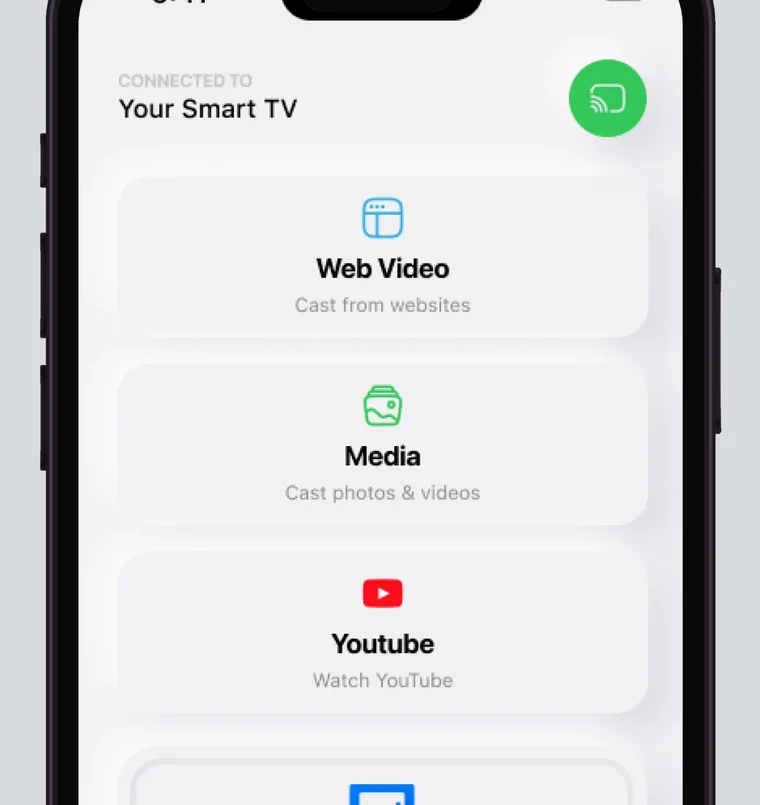
No Fire TV Stick has AirPlay, and among Fire TV smart TVs, such as the 2021 Omni Series, only some models do. Screen Mirroring · Smart TV, an iPhone app for iOS 15.0 or later, supports Fire TV. You pick your Fire TV from the list once, the app remembers it, and after that it is one tap.
 4.61
4.61Fire TV mirroring with the app
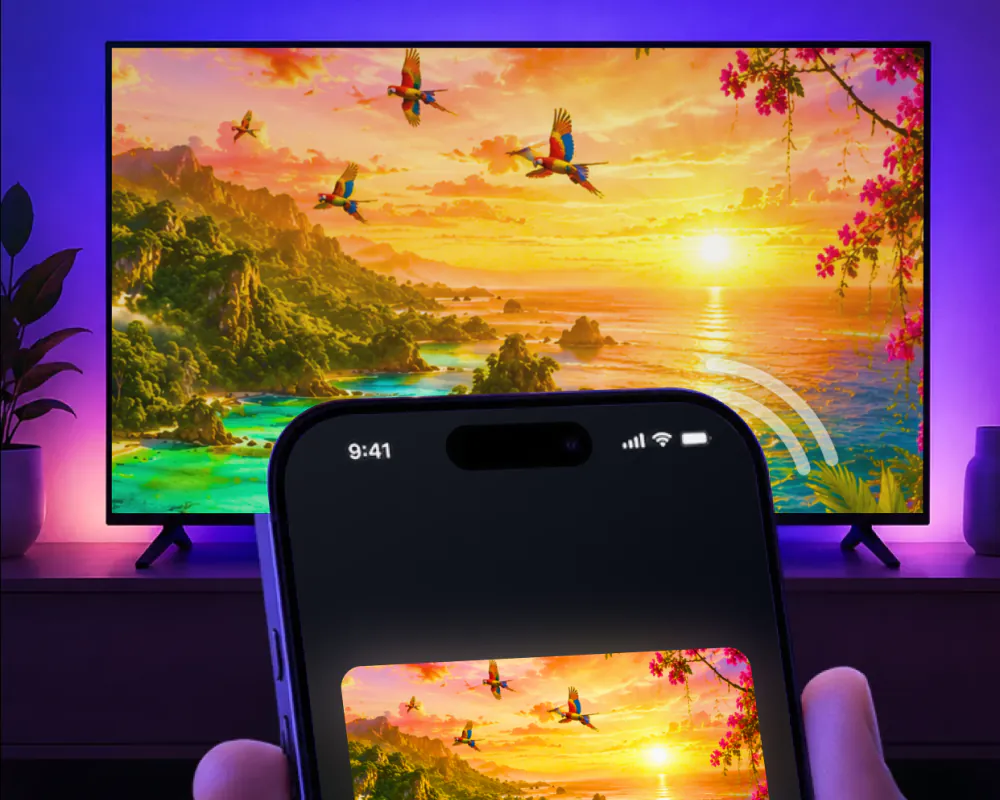
Screen Mirroring · Smart TV mirrors your iPhone screen to the TV in real time. It supports Fire TV along with Roku, Chromecast, Samsung, LG and other major smart TVs, and it needs no additional hardware or software.
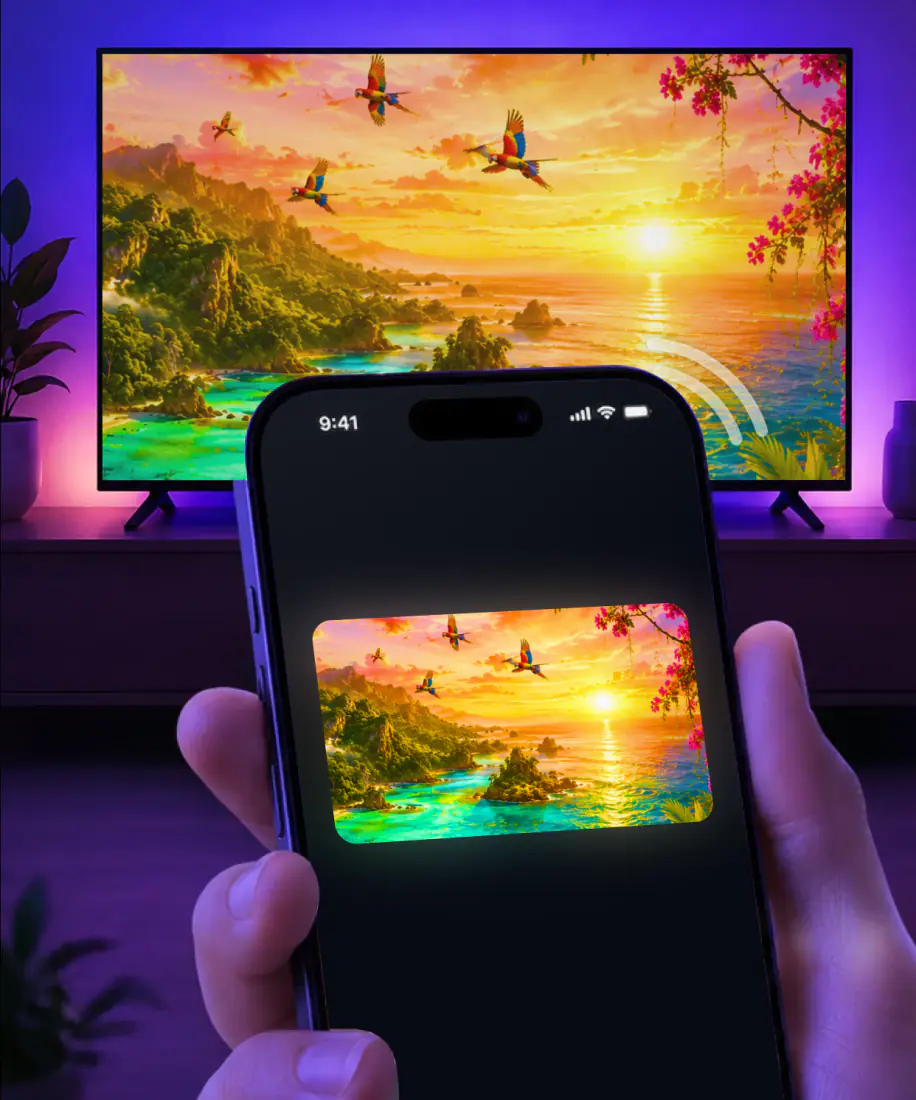
Once you're connected, what you open on the iPhone shows up on the Fire TV: videos, photos, games and apps on a larger screen, with high-quality streaming and minimal lag.
Getting started is simple. The first time, it takes three steps:
- Connect your iPhone and your Fire TV to the same Wi-Fi network.
- Select your Fire TV from the list of available devices.
- Start screen mirroring and enjoy your content on the big screen.
What you need before you start
Before the first connection, check these three things:
- An iPhone or iPad on iOS 15.0 or later.
- No VPN or proxy running on the iPhone while you connect. The app works best with both turned off.
- The app on your iPhone. Free download on the App Store, with the subscription billed by Apple inside the app. It comes from AQUIN VENTURES LTD and has been on the App Store since November 2023.
How to AirPlay to Firestick
AirPlay is Apple's way to stream video or mirror the iPhone screen, and it needs a receiver on the TV side: an Apple TV 4K or a smart TV with AirPlay 2. No Fire TV Stick has one, in any generation, so on a stick AirPlay from the iPhone has nothing to connect to.
Fire TV smart TVs are a different case. Some models have AirPlay, and on those, the iPhone's own Screen Mirroring in Control Center can reach the TV when the iPhone and the TV share a Wi-Fi network.
Amazon's own screen mirroring doesn't help an iPhone either, and Amazon points Fire TV smart TV owners to AirPlay instead. Here is how the three options compare on Fire TV:
Screen Mirroring · Smart TVWhich Fire TV devices have AirPlay
It depends on the device. Sticks and smart TVs follow different rules, and Toshiba, Insignia and Panasonic build Fire TV into some of their own TVs.
On a Fire TV smart TV that has AirPlay, the setting is AirPlay & HomeKit under Display & Sounds. Here is what Amazon and the TV makers say about each kind of Fire TV:
| Fire TV device | AirPlay | Details |
|---|---|---|
| Fire TV Stick, Stick 4K, 4K Max, Lite and HD, all generations | No | No AirPlay receiver on any generation of the stick. |
| Fire TV smart TVs: Omni Series (2021), 4-Series (2021), 2K HD and 4K UHD | Some models | Amazon says not every Fire TV smart TV is compatible with AirPlay. |
| Panasonic Z95A, Z93A and later models with Fire TV built in (2024 onward) | Yes | Panasonic says they are compatible with Apple Home and AirPlay, so you can stream from an iPhone and control the TV with Siri. |
| Toshiba Fire TV: 4K UHD (2020 to 2022), 4K Far-field UHD (2021), V35 (2021), C350, E330, M550 and X9900 (2022 to 2023) | Some models | Amazon's rule for Fire TV smart TVs applies. See our Toshiba screen mirroring guide. |
| Insignia Fire TV: 4K UHD Fire TV (2020) and F30 Series | Some models | The same Amazon rule applies. See our page on how to screen mirror on Insignia TV. |
Sources: Amazon on AirPlay for Fire TV, Amazon on Fire TV screen mirroring and Panasonic on the Z95A and Z93A, checked September 9, 2026.
Already have AirPlay on your Fire TV?
Some Fire TV smart TVs do. Here is what the app adds on top of it.
- 1One tap next time
You pick your Fire TV from the list once. The app remembers your TV, so after that it is one tap.
- 2No codes to type
The first AirPlay connection can bring up a passcode on the TV that you type on the iPhone. The app has no codes.
- 3A built-in IPTV player
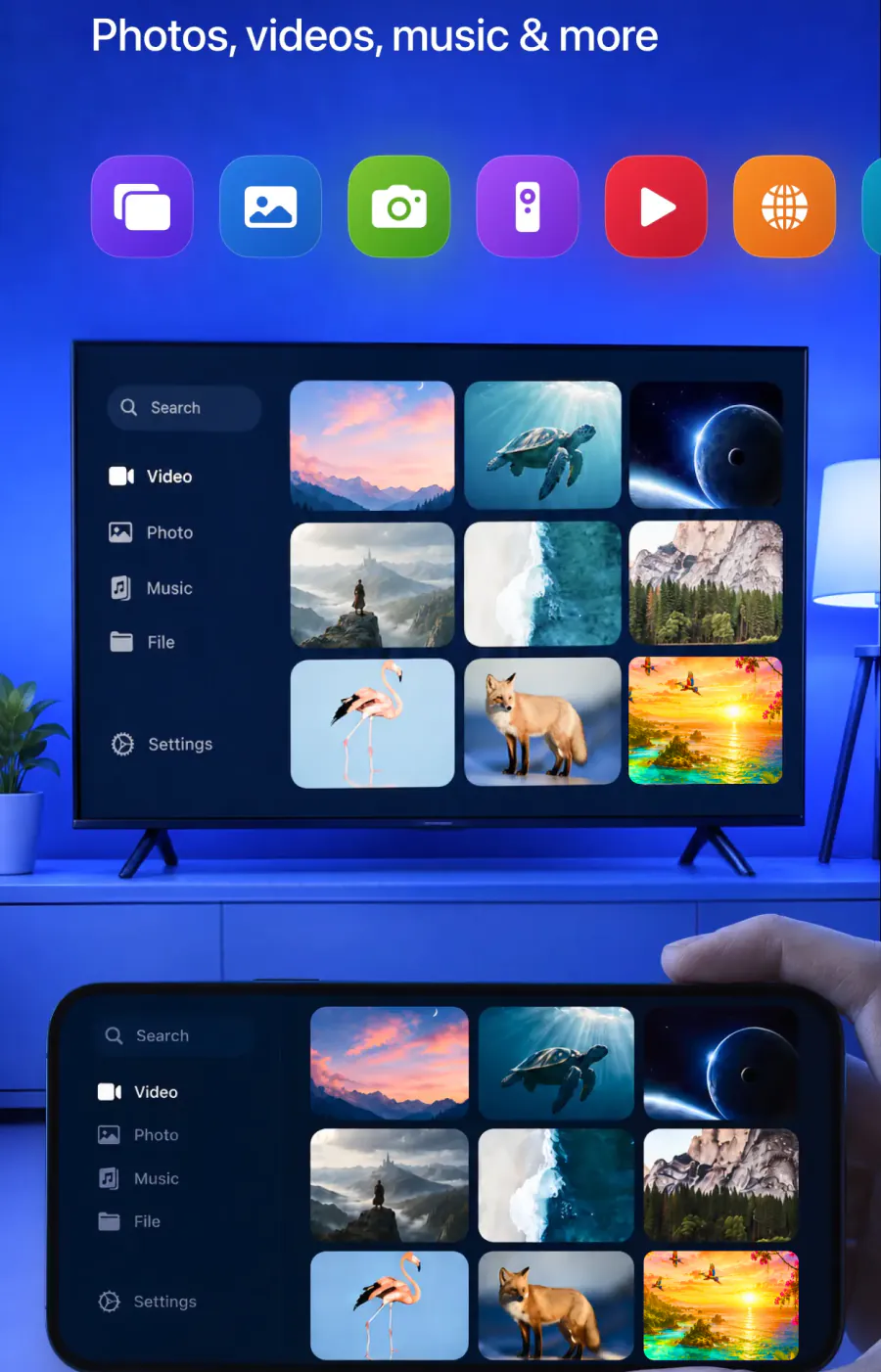
Along with mirroring and casting, the app includes an easy-to-use IPTV player.
- 4Web video and YouTube
Cast online videos directly from the web and stream videos from apps like YouTube.
What you can put on the Fire TV
Mirroring shows your whole iPhone screen on the TV. The app also casts photos and videos from your gallery and online videos from the web. Here is what goes up on the Fire TV and what doesn't.
Your iPhone screen, live
Yes. Real-time screen sharing on a stable wireless display.
Photos and videos from your gallery
Yes. Cast them to the big screen from the app.
Videos from Instagram, TikTok and YouTube
Yes. Stream them to the TV, along with online videos from the web.
Mobile games
Yes. Play on the TV for a bigger experience.
Presentations, documents and video calls
Yes. Share work materials, and put video calls on the TV for better visibility.
A TV on another network
No. The iPhone and the Fire TV need to be on the same Wi-Fi network.
If something goes wrong on the Fire TV
Start with the check that matches what you see. The AirPlay not working and screen mirroring not working guides go further.
Your Fire TV isn't in the list. Make sure the iPhone and the TV are on the same Wi-Fi network, then turn off any VPN or proxy on the iPhone and look again.

AirPlay on a Fire TV smart TV doesn't respond. Not every Fire TV smart TV has AirPlay, and on the ones that do, it has to be switched on in the TV's settings.

The picture stutters. Update the app: version 1.5, released August 26, 2026, is built for less delay and fewer interruptions while you mirror.

You want to stop showing your screen. Stop the broadcast on your iPhone. If you're showing photos or videos from the app, tap the stop button in the app.
FAQ
Not to a stick. No Fire TV Stick of any generation has an AirPlay receiver, and Amazon lists iOS as unsupported for its own screen mirroring. Some Fire TV smart TVs do have AirPlay. For an iPhone and a Firestick, use Screen Mirroring · Smart TV: same Wi-Fi, pick the TV once, and the app remembers it.
Screen Mirroring · Smart TV works on iPhone and iPad. Put your iPad and Firestick on the same Wi-Fi network, open the app, select the Fire TV from the list. Start mirroring, and your screen appears on the TV in real time. The app remembers your Fire TV, so next time is one tap, with no codes to type.
It depends on your setup, so we won't rank apps here. With an iPhone, look for an app that names Fire TV among its supported devices and runs on your iOS version. Screen Mirroring · Smart TV supports Fire TV, needs iOS 15.0 or later and remembers your TV, so after the first time it is one tap.
Your iPhone on the Fire TV
Pick your Fire TV from the list once. The app remembers it, and there are no codes to type.
Subscription is billed by Apple inside the app. 4.61★ from 7,860 ratings.