Vizio Screen Mirroring from Your iPhone in One Tap
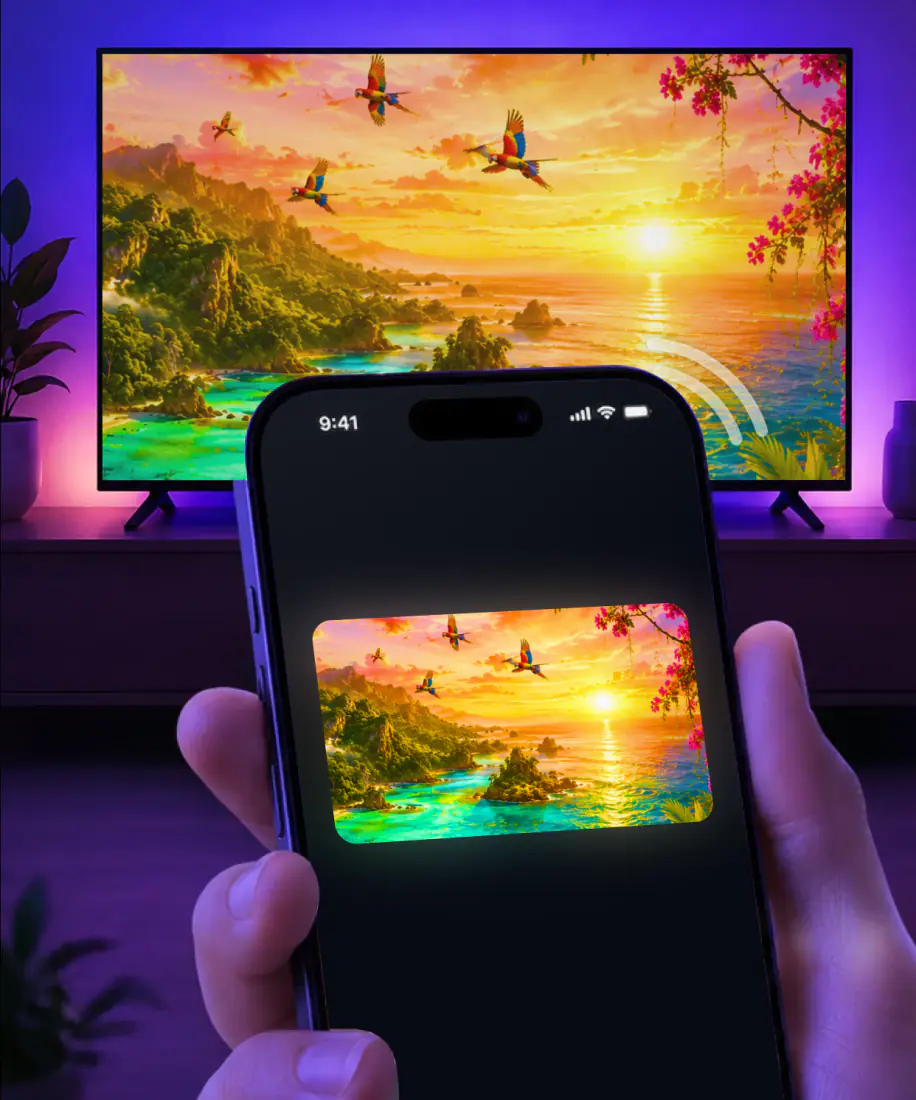
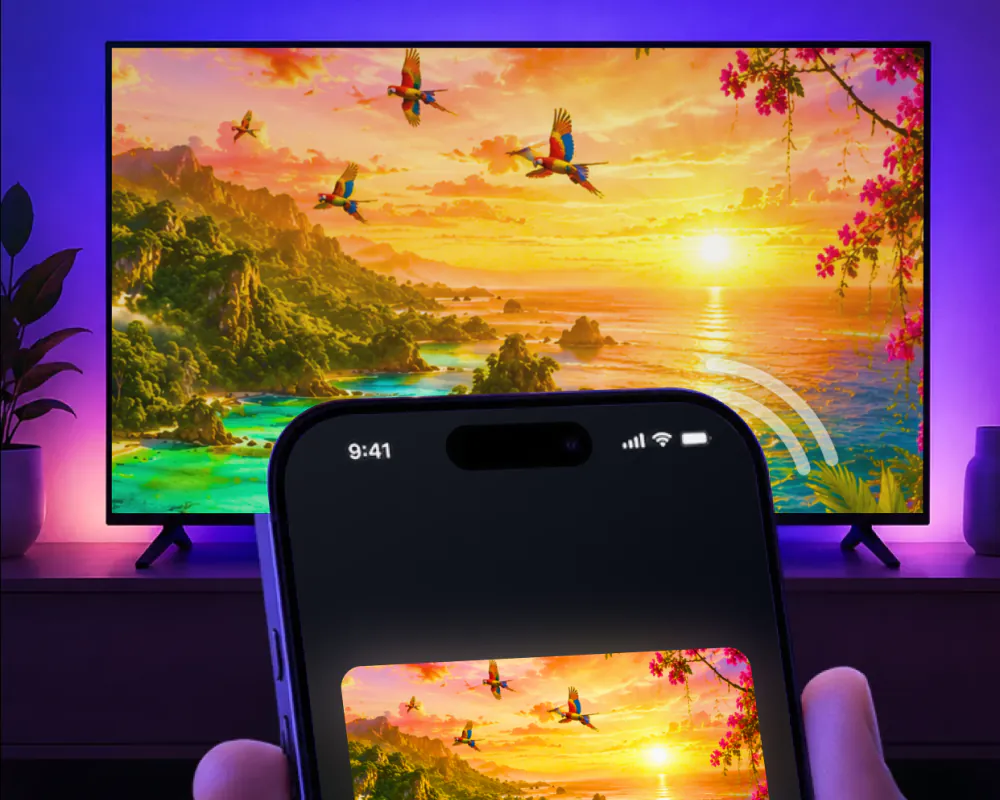
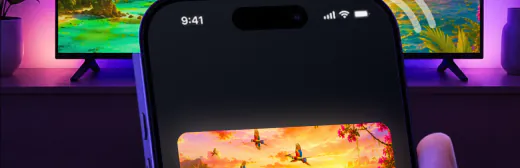
Vizio said AirPlay 2 would roll out to new and existing SmartCast TVs dating back to 2016, for iPhones on iOS 12.3 or later. Screen Mirroring · Smart TV mirrors your iPhone screen to a smart TV in real time. You pick your TV from the list once, and the app remembers it, so next time it's one tap.
 4.61
4.61How to cast to Vizio TV from your iPhone
Screen Mirroring · Smart TV mirrors your iPhone screen to a smart TV in real time. It supports Roku, Fire TV, Chromecast, Samsung and LG by name, and works with your VIZIO TV if it has Chromecast built-in.
The first connection takes three steps. Connect your iPhone and the TV to the same Wi-Fi network, select your TV from the list of available devices, and start mirroring. From then on, the app remembers your TV, so the next session is one tap, with no codes to type.
When you're done, stop the broadcast on your iPhone. If you sent photos or videos from the app, tap the stop button in the app.
Here's what you need:
- An iPhone or iPad on iOS 15.0 or later.
- Free download. The subscription, billed by Apple inside the app, is $9.99 a week or $39.99 a year, and you can cancel it in Settings on your iPhone.
- No extra hardware or software.
- VPN or proxy off before you connect, for the best performance.
Vizio AirPlay: which SmartCast TVs have it
On Vizio, AirPlay 2 is a SmartCast feature. When Vizio announced it, the company said the rollout would continue over the following months and reach existing SmartCast TVs as well as new ones, going back to 2016.
Here is what that covers and what it asks for:
| AirPlay 2 on Vizio | Details |
|---|---|
| Which TVs | New and existing SmartCast TVs dating back to 2016 |
| Platform | SmartCast 3.0 and later |
| On the TV | SmartCast Home |
| On the iPhone | iOS 12.3 or later |
Sources: the AirPlay 2 announcement from Vizio and Apple Support on AirPlay.
Watching through a streaming stick?
If a streaming stick or box is plugged into your Vizio, AirPlay depends on that device instead of the TV. AirPlay needs a receiver on the TV side, an Apple TV 4K or an AirPlay 2-enabled smart TV, and these popular devices don't have one:
| Plugged into the TV | AirPlay receiver |
|---|---|
| Fire TV Stick, any generation | No |
| Chromecast or Google TV Streamer | No |
| Nvidia Shield TV | No |
| Xbox or PlayStation | No |
The app supports Fire TV and Chromecast by name, and Roku as well.
Where the app and AirPlay differ
If your Vizio has AirPlay, it will do the job. Here is what changes with the app, and what stays the same.
- 1No codes to type
The first time you connect with AirPlay, the TV can show a passcode that you then type on the iPhone. The app skips codes altogether.
- 2One tap next time
Apple's built-in Screen Mirroring starts from Control Center. The app remembers your TV, so after the first connection it's one tap.
- 3Same Wi-Fi either way
For AirPlay to a smart TV, the iPhone and the TV have to share a Wi-Fi network. The app needs the same thing.
What you can put on the big screen
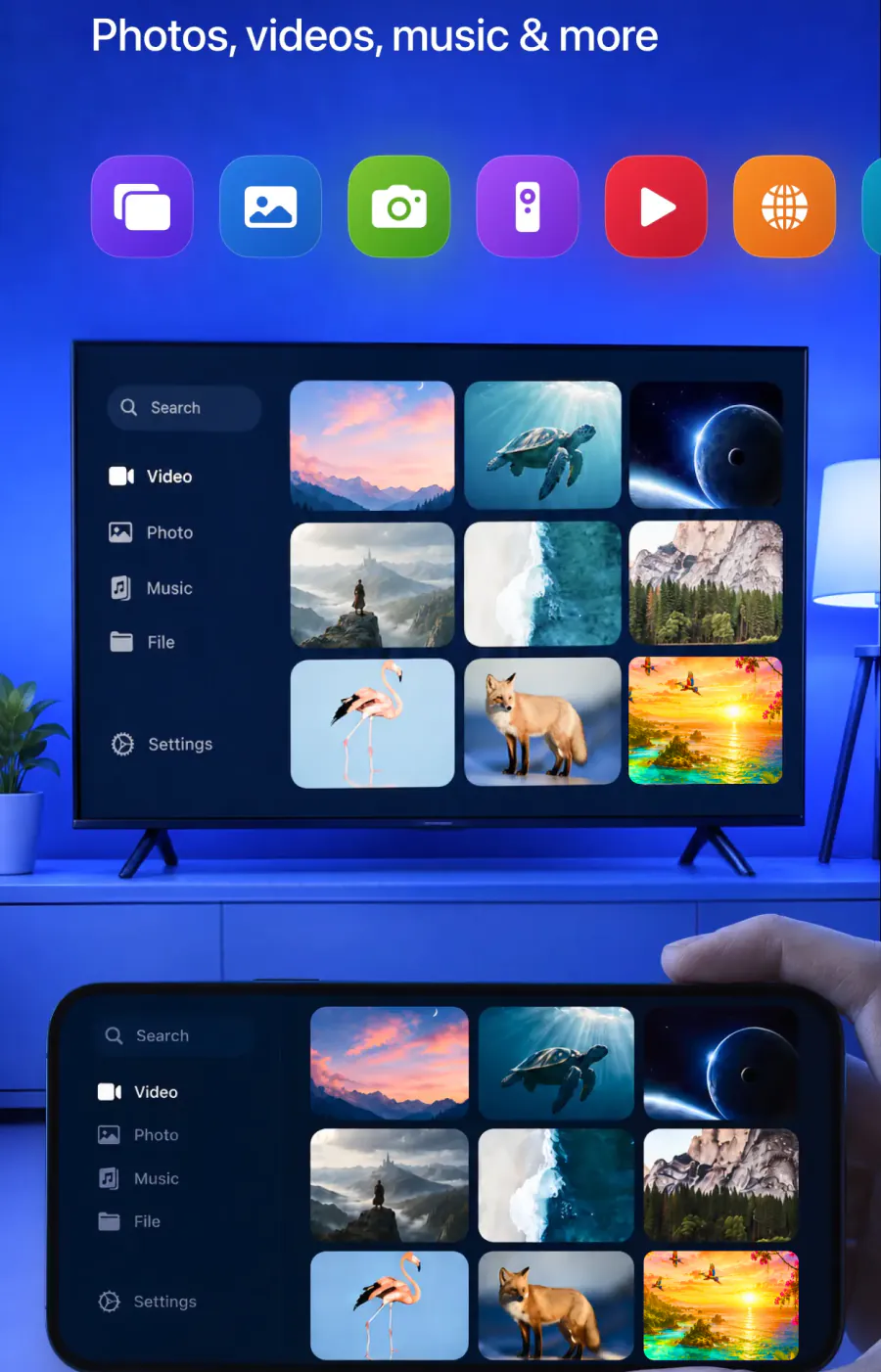
The app mirrors your whole iPhone screen with high-quality video and minimal lag. It can also cast from your gallery, from websites and from apps like YouTube.
Yes. Mirrored to the TV in real time.
Yes. Cast them straight to the big screen.
Yes. Stream videos from these apps and more.
Yes. Cast online videos directly from the web.
Yes. Watch it in the app's built-in IPTV player.
Yes. Play them on the TV for a bigger view.
Yes. Share work materials, or put a video call on the TV so everyone can see it.
Yes. The app works on iPhone and iPad.
Do Vizio TVs have AirPlay?
SmartCast TVs dating back to 2016 do, after the AirPlay 2 rollout Vizio announced for new and existing sets. AirPlay needs SmartCast Home on the TV and iOS 12.3 or later on the iPhone. Our app needs iOS 15.0 or later, and it works with your VIZIO TV if it has Chromecast built-in.
If your TV doesn't show up
Start with these checks.
Not in the app's list? Make sure your iPhone and the TV are on the same Wi-Fi network, then turn off any VPN or proxy and try again.

Not in the AirPlay list? Compare your TV and iPhone with the table above, then work through AirPlay not working.

Picture freezes or keeps dropping? See Screen mirroring not working.
Guides for other TV brands
For a general walkthrough, see How to connect iPhone to TV. Or pick the brand of your other TV.
Your iPhone on the TV in one tap
Pick your TV once, and the app remembers it. No codes, no cables, no extra hardware.
Subscription is billed by Apple inside the app. 4.61★ from 7,860 ratings.