Why Netflix Won't Mirror or AirPlay From an iPhone
Netflix doesn't support AirPlay. That's Netflix's own statement, not a broken connection, and nothing on the iPhone or the TV changes it. Apple says the same about video apps in general: some simply never turn AirPlay on. For Netflix, use the Netflix app already on the TV. Everything else still mirrors from an iPhone running iOS 15 or later, one tap.
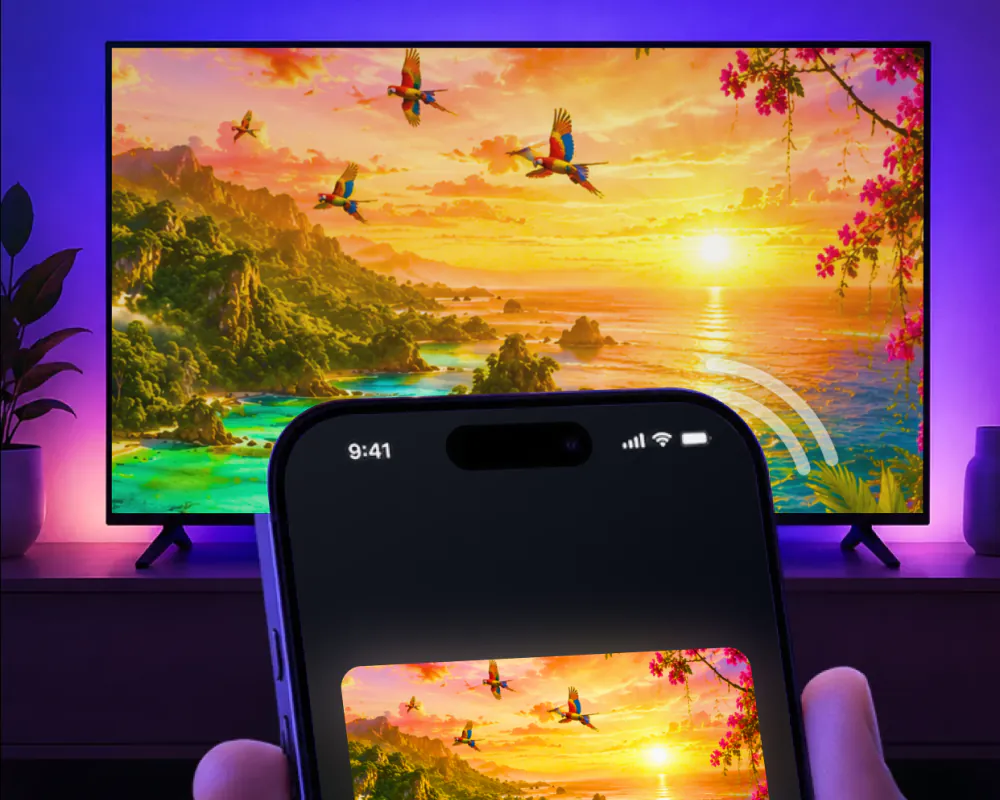
Netflix doesn't support AirPlay
Trying to send Netflix to a TV with AirPlay, from Control Center or the AirPlay icon inside an app, does not put the picture on the screen. No setting on the phone or the TV changes that. Netflix's own help center says why, directly: Netflix doesn't support AirPlay.
It is a choice made on Netflix's side, not a wider fault in AirPlay or in the television.
Netflix isn't the only app that skips it
Netflix is not a special case built just for one service. Apple's own support page on AirPlay makes the same point about video apps in general: some video apps might not support AirPlay. Turning AirPlay on inside an app is a choice that app's own team makes. Some do, some don't, and Netflix currently falls in the second group.
For watching Netflix itself, the Netflix app already installed on that TV is the one that plays it.
Screen mirroring is a different path than AirPlay
AirPlay is Apple's own feature, built into the iPhone and switched on or off by whichever app is on screen. Screen mirroring is a separate route: Screen Mirroring · Smart TV mirrors the iPhone's screen to a TV in real time on its own, without going through AirPlay at all.
That difference matters for everything Netflix doesn't cover. Photos, home video, games and other apps, including video from apps like Instagram, TikTok and YouTube, all mirror the same way regardless of what any one streaming app decides about AirPlay.
What that looks like on the night
Getting started is simple: connect the iPhone and the TV to the same Wi-Fi network, then pick the TV from the list of available devices. The app remembers it after that, so next time it is one tap, with no codes to type.
Whether it's videos, photos, games or other apps on a bigger screen, it works smoothly and wirelessly, and it runs on an iPhone with iOS 15 or later.
Read next
Every method, every brand and every thing that goes wrong, written out.
Mirror the rest of your iPhone tonight
Pick the TV from the list once. The app remembers it, so next time it is one tap, with no codes to type.
Subscription is billed by Apple inside the app. 4.61★ from 7,860 ratings.