Sony TV Screen Mirroring From Your iPhone in One Tap
Sony TV screen mirroring depends on the BRAVIA: AirPlay 2 is standard on Google TV models, reaches some Android TV series only after a software update, and never reached the rest, PlayStation 5 and PS4 included. Screen Mirroring · Smart TV needs iOS 15 or later, remembers your Sony and is one tap after that, with no codes to type.
 4.61
4.61How to cast to Sony TV from your iPhone
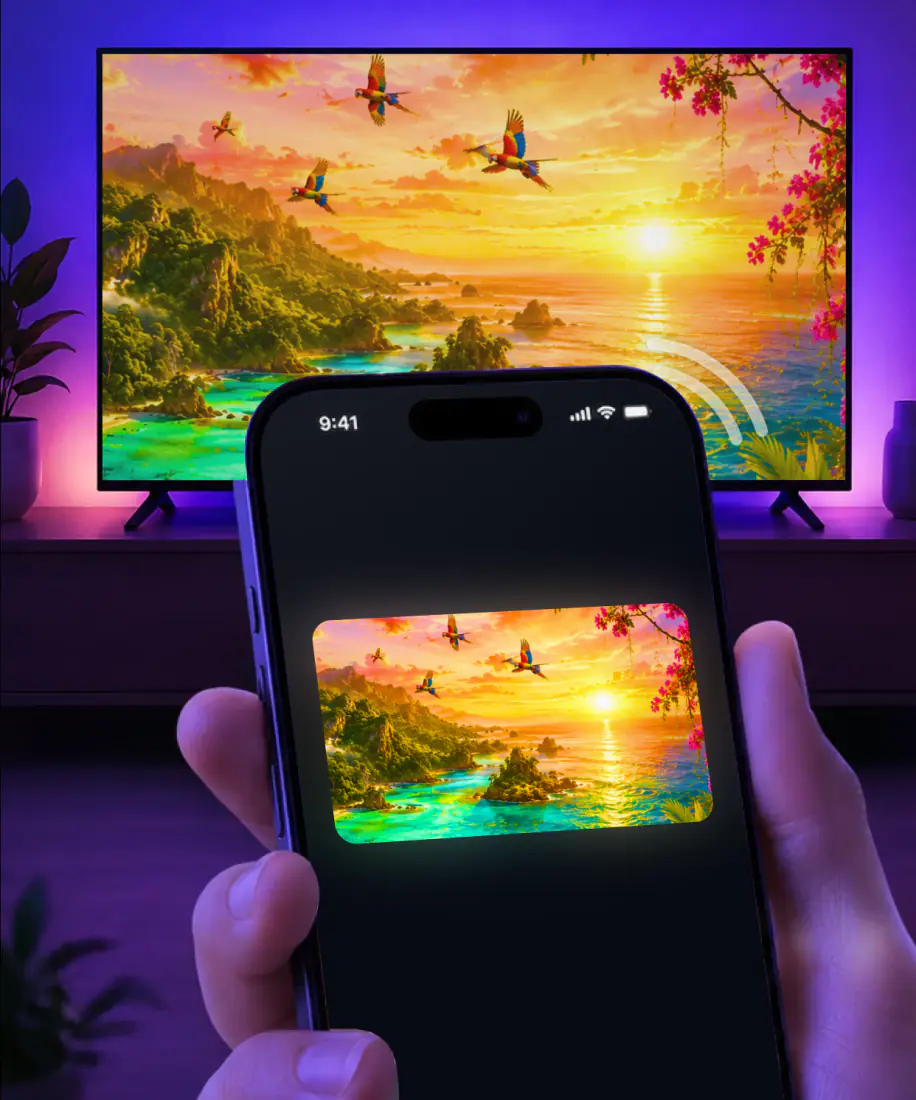
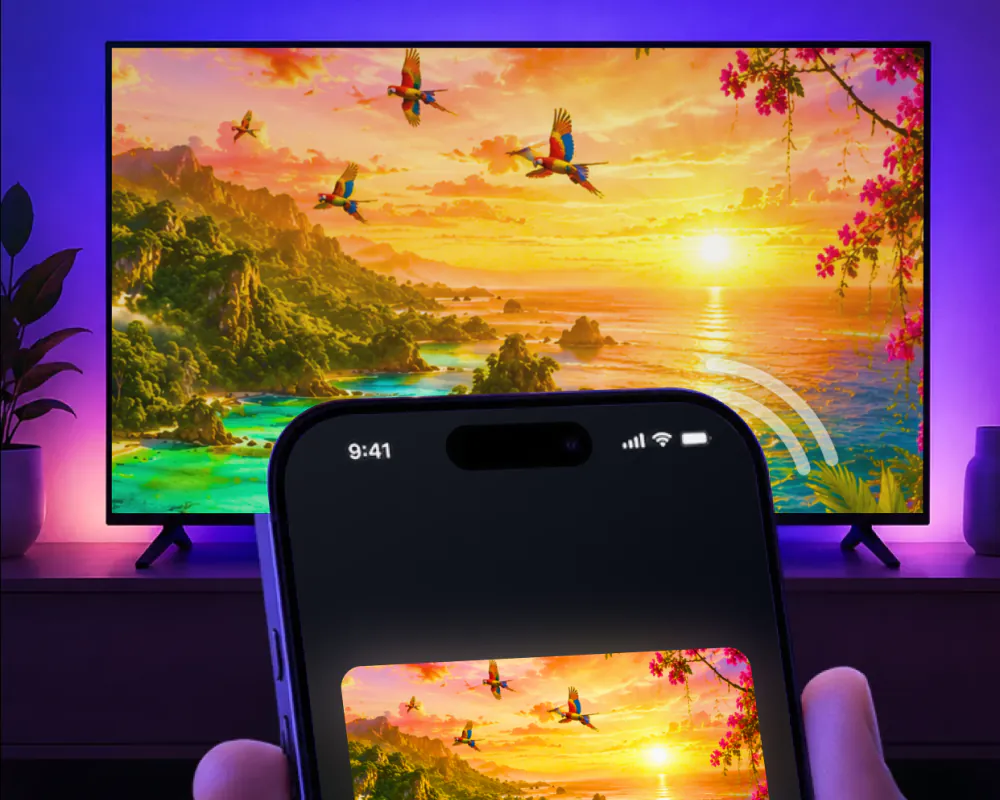
Screen Mirroring · Smart TV mirrors your iPhone screen to the TV in real time, with no cables and no extra hardware. It supports Roku, Fire TV, Chromecast, Samsung and LG by name, and works with your Sony BRAVIA if it has Chromecast built in, which its Google TV and Android TV sets do.
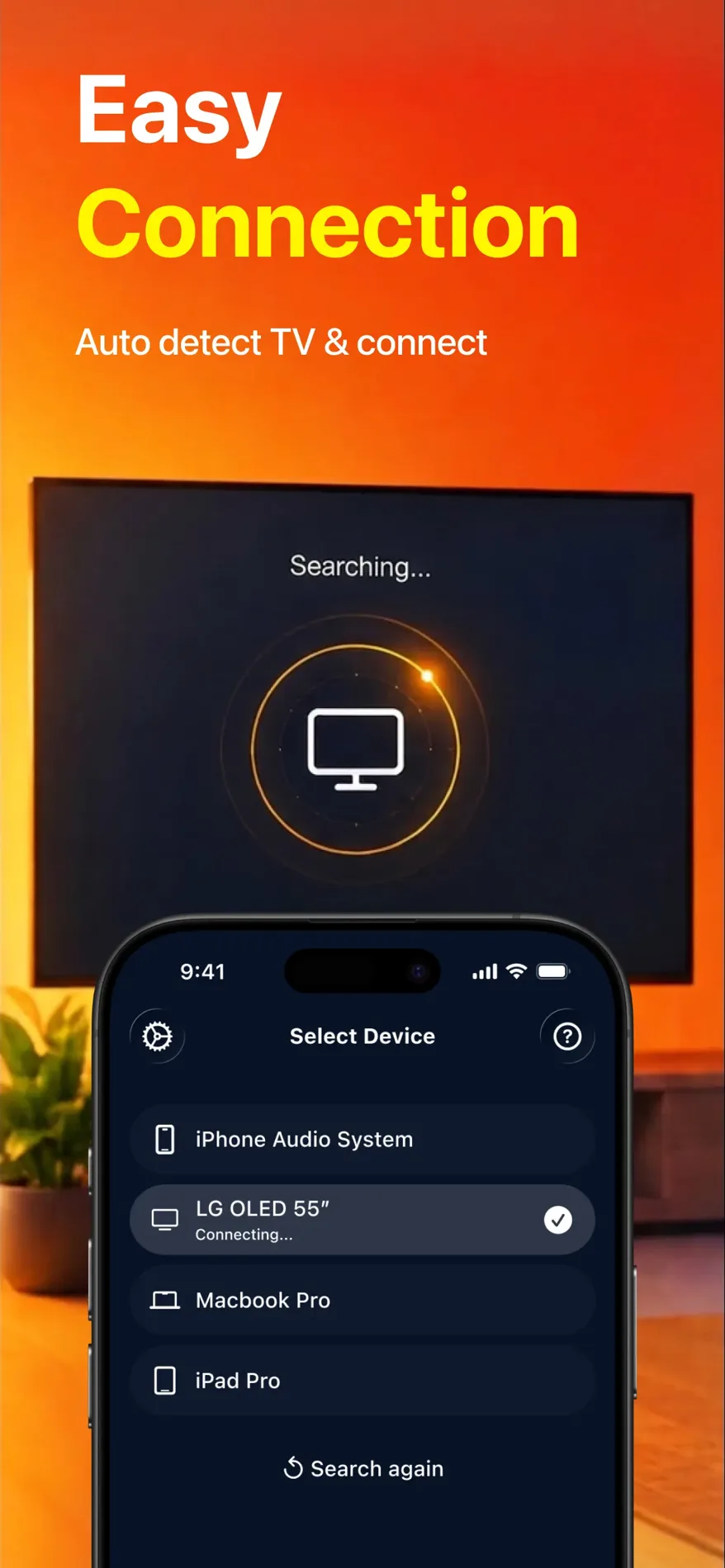
The app is compatible with AirPlay and popular streaming devices. Getting started is simple, and the first connection takes three steps:
- Connect your iPhone and the Sony to the same Wi-Fi network.
- Open the app and select your Sony from the list of available devices.
- Start screen mirroring, and your iPhone screen appears on the Sony.
Sony TV AirPlay: which BRAVIA models have it
AirPlay is Apple's built-in way to stream video and photos from an iPhone or mirror its whole screen, and the TV needs a receiver for it. Sony splits its BRAVIA lineup into three groups for AirPlay 2: Google TV models, a set of older Android TV series and everything else.
Sony's own support article is the source for the split, and it sends every BRAVIA outside the first two groups to its general cast and mirror article instead. The table below follows that article.
| BRAVIA | AirPlay 2 | Good to know |
|---|---|---|
| Google TV models | Yes | Sony says all Google TV models support it, though the W8K and X74K/X75K series need a software update first. |
| Android TV: A9/A9S, Z8H, A8/A8H, XH95/X95H, XH90/X90H/X91H/XH92, KM-X9000H, XH85/X85H/XH91, XH81, XH80/X80H | Yes, out of the box | No software update needed. |
| Android TV: Z9G, A9G, XG95/X95G, XG85/X85G, Z9F, A9F | Yes, after an update | Sony's article calls for a software update first. |
| Every other BRAVIA | No | Sony's own article sends these owners to its general cast and mirror guide instead. |
| PlayStation 5 and PS4 | No | Share Screen sends your gameplay to a party chat. It isn't an AirPlay receiver. |
Model support checked against Sony's AirPlay 2 support article and PlayStation's Share Screen support, September 9, 2026.
Why use the app instead of built-in AirPlay
If your Sony has AirPlay, you can use it. Either way, the iPhone and the TV need to be on the same Wi-Fi network. Here is what changes with the app.
- 1AirPlay depends on the BRAVIA
AirPlay needs an Apple TV 4K or an AirPlay 2-enabled smart TV on the other end, and on a Sony that comes down to the exact BRAVIA series. The app works with your Sony BRAVIA if it has Chromecast built in, which the Google TV and Android TV models do.
- 2No codes to type
AirPlay can show a passcode on the TV the first time you connect, for you to type on the iPhone. There is no code with the app, ever.
- 3One tap next time
The iPhone's own Screen Mirroring lives in Control Center. Pick your Sony in the app once, and it's one tap every time after.
- 4Built for streaming
Streaming runs in high quality with minimal lag. The August 26, 2026 update, version 1.5, made the TV connection faster and streaming steadier.
- 5Web videos and IPTV
The app casts online video straight from a website and includes a built-in IPTV player, on top of mirroring the whole screen.
What you can show on the Sony
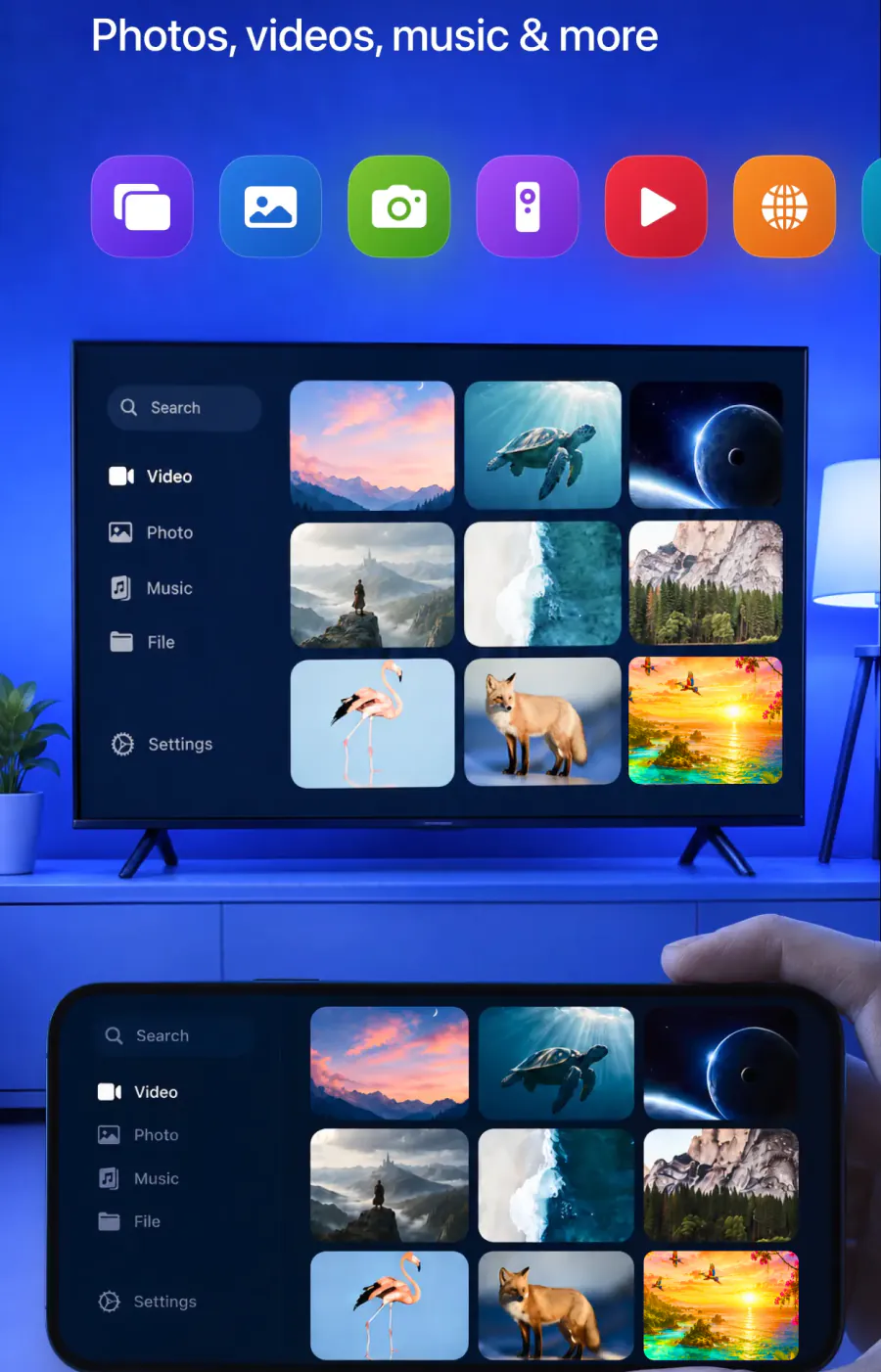
The app mirrors your iPhone screen to the TV in real time, and it's built for the uses below.
Yes. Cast them to the big screen.
Yes. Stream videos from these apps and more.
Yes. Cast online videos directly from a website.
Yes. Play on the TV for a bigger picture.
Yes. Share presentations and work materials with everyone watching.
Yes. Put the call on the TV so it's easier to see.
Yes. Watch it in the app's built-in IPTV player.
No. The iPhone and the Sony need to be on the same network.
What you need before you start
The list is short, and there's no extra hardware to buy.
| You need | Details |
|---|---|
| An iPhone | Running iOS 15.0 or later. The app is made for iPhone. |
| One Wi-Fi network | The iPhone and the Sony connect to the same network. |
| The app | Free download from the App Store, made by AQUIN VENTURES LTD and listed there since November 2023. The subscription is billed by Apple inside the app. |
| Nothing else | No cables, no complicated setup and no additional hardware. |
FAQ
The app works on iPhone and iPad. Connect the iPad and the Sony to the same Wi-Fi network, open Screen Mirroring · Smart TV, select the Sony from the list and start mirroring. The app remembers your Sony, so next time it's one tap, and it works with your Sony BRAVIA if it has Chromecast built in.
Some do. Every BRAVIA on Google TV has AirPlay 2, and several Android TV series got it too, a few only after a software update. Every other BRAVIA, along with the PlayStation 5 and PS4, has none. Screen Mirroring · Smart TV works with your Sony BRAVIA over one shared Wi-Fi network if it has Chromecast built in, and remembers it after the first time.
If your Sony isn't in the list
Start with the network, then the phone.
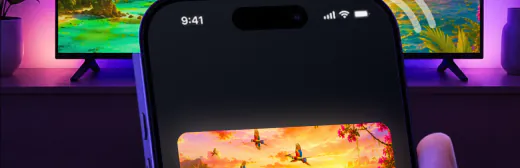
Check that the iPhone and the Sony show the same network name in their Wi-Fi settings. The app needs both on one network.
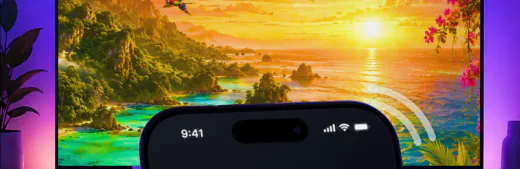
For best performance, turn off any VPN or proxy on the iPhone before you connect.
Using AirPlay instead? Go through the checks in our AirPlay not working guide.

Still no TV? Our screen mirroring not working guide has more checks.
Other TV brands
Setting up a TV from another brand? Start with our main guide, Connect iPhone to TV, or pick the brand below.
Put your iPhone on the Sony
Select your Sony once, and the app remembers it for next time. There are no codes to type.
Subscription is billed by Apple inside the app. 4.61★ from 7,860 ratings.