
Vizio AirPlay: How to Mirror Your iPhone to a Vizio TV
By  Vlad Karatai · Updated · 3 min read
Short answer
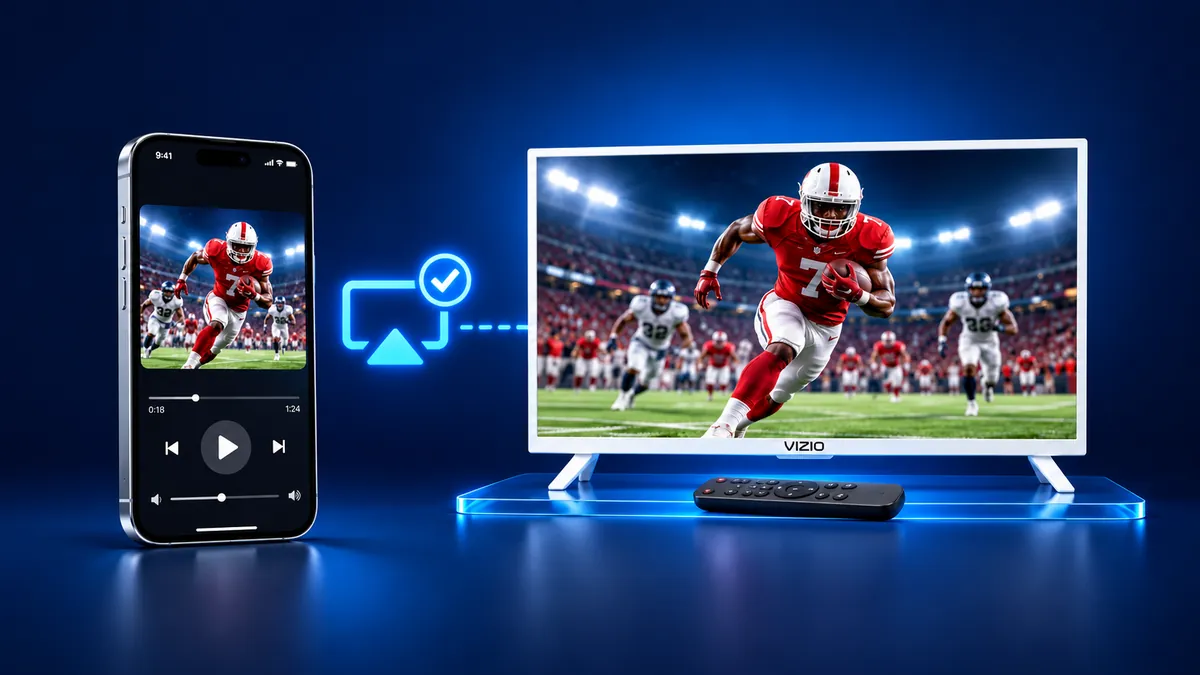
Yes, an eligible Vizio TV takes AirPlay: switch it on in the Extras menu, then open Control Center, tap Screen Mirroring and pick the TV. Vizio said in 2019 that AirPlay 2 was rolling out to SmartCast TVs dating back to 2016. Our app, Screen Mirroring · Smart TV, is a second route that finds your TV on its own.
Contents
Does my VIZIO TV have Apple AirPlay?
Many do. On July 31, 2019, Vizio announced that AirPlay 2 was beginning to roll out to new and existing SmartCast TVs dating back to 2016.
Two limits apply: the TV must be an eligible model with SmartCast Home, and the iPhone needs iOS 12.4 or later.
Apple's AirPlay 2 TV list, archived in December 2025, names nine Vizio series. It has no D-Series from before 2018.
| Vizio series on Apple's list | Years |
|---|---|
| D-Series | 2018 to 2020 |
| E-Series | 2016 to 2018 (UHD) |
| M-Series | 2016 to 2023 |
| M-Series Quantum | 2019 to 2023 |
| OLED | 2020 to 2022 |
| P-Series | 2016 to 2022 |
| P-Series Quantum | 2018 to 2021 |
| P-Series Quantum X | 2019 to 2022 |
| V-Series | 2018 to 2023 |
How to turn on AirPlay on a Vizio TV and mirror your iPhone
Steps 1 and 2 on the TV come from Vizio's support page, steps 3 to 8 from Apple:
- On the Vizio remote, press the V button or Home to open SmartCast Home.
- Select Extras, then Smart Home Settings, then AirPlay, and set it to On. Extras sits at the top or bottom left, by model.
- Join the same Wi-Fi network on your iPhone and on the TV.
- Open Control Center. On iPhone X or later, swipe down from the top-right corner.
- Tap Screen Mirroring.
- Choose your Vizio TV in the list.
- A passcode can show on the TV. Type it on your iPhone.
- To end the session, go back to Control Center, tap Screen Mirroring, then Stop Mirroring.
Vizio says the menus can vary by model and software version.
For one video, tap the AirPlay button in the video app and choose your TV. Apple notes some video apps might not support AirPlay.
What Vizio AirPlay needs, and the one-tap route
Vizio AirPlay needs a listed model, iOS 12.4 or later and one shared Wi-Fi network. A code can appear on the first connection.
Screen Mirroring · Smart TV finds your TV on its own on the same Wi-Fi. Next time is one tap, because the app remembers your TV after one pick. No codes, no ads.
If your Vizio has Chromecast built-in, the app casts to it in about 3 seconds. Free download on the App Store.
Why is my TV not showing up as an option for AirPlay?
Screen Mirroring · Smart TV finds your TV on its own on the same Wi-Fi.
Still want AirPlay? Work through the checks from Vizio's troubleshooting page:
- Check that AirPlay is On in Smart Home Settings.
- Update the TV and the iPhone, and put them on one Wi-Fi network.
- Turn off any VPN on the iPhone and move both closer to the router.
- Restart the TV, the iPhone and the router.
- Find your TV in the series and years table above.
Why can't I cast to my VIZIO TV anymore?
If your Vizio has Chromecast built-in, the app casts to it: Screen Mirroring · Smart TV finds the TV on its own on the same Wi-Fi.
What happened to AirPlay on VIZIO? Vizio's Apple page describes AirPlay 2 on its TVs, and Apple's AirPlay 2 TV list, as archived in December 2025, names nine Vizio series. Neither announces that AirPlay was dropped.
If the TV stops responding, run the checks above or read our guide on AirPlay not working.
What to remember
- Check the series and year first: Apple's list has no D-Series from before 2018.
- AirPlay must be On in Smart Home Settings, and the iPhone and the TV must share one Wi-Fi network.
- Stop a session from Control Center with Screen Mirroring, then Stop Mirroring.
Read next
More guides
- Why Netflix Won't Mirror or AirPlay From an iPhone
- Arcelik TV Screen Mirroring From an iPhone (2026)
- How to AirPlay to Samsung TV: Steps and Menu (2026)
- Vestel TV Screen Mirroring: iPhone and Android (2026)
- How to Mirror iPad to Roku TV: Steps and Models (2026)
- TV Not Showing Up on AirPlay? How to Fix It (2026)
- AirPlay Password: Where the TV Code Comes From (2026)
- How to Fix No Sound in Screen Mirroring (2026)
- Apple TV Screen Mirroring From iPhone (2026)
- Hisense TV AirPlay: How to AirPlay on Hisense TV (2026)
- TCL TV AirPlay: How to AirPlay to TCL TV (2026)
- How to AirPlay on Google TV: Which TVs Have It (2026)
- How to Cast to Chromecast From an iPhone (2026)
- How to Cast iPad to Samsung TV (2026)
- How to Mirror iPad to TV: 3 Ways That Work (2026)
- AirPlay Not Working on Samsung TV: Fixes (2026)
- What Is Screen Mirroring? How It Works on iPhone
- How to Cast to Samsung TV: iPhone and Galaxy (2026)
- What Is AirPlay? How It Works on iPhone and TV (2026)
- Can You AirPlay to Firestick? Only Some Fire TVs (2026)
