Sharp TV Screen Mirroring in One Tap
You pick your Sharp Roku TV from a list in our app the first time. After that the app remembers your TV, so mirroring takes one tap, with no codes to type. Your iPhone needs iOS 15.0 or later and the same Wi-Fi network as the TV. Sharp's Roku TV lineup, including its 2023 OLED models, has AirPlay built in.
 4.61
4.61How to cast to a Sharp TV from your iPhone
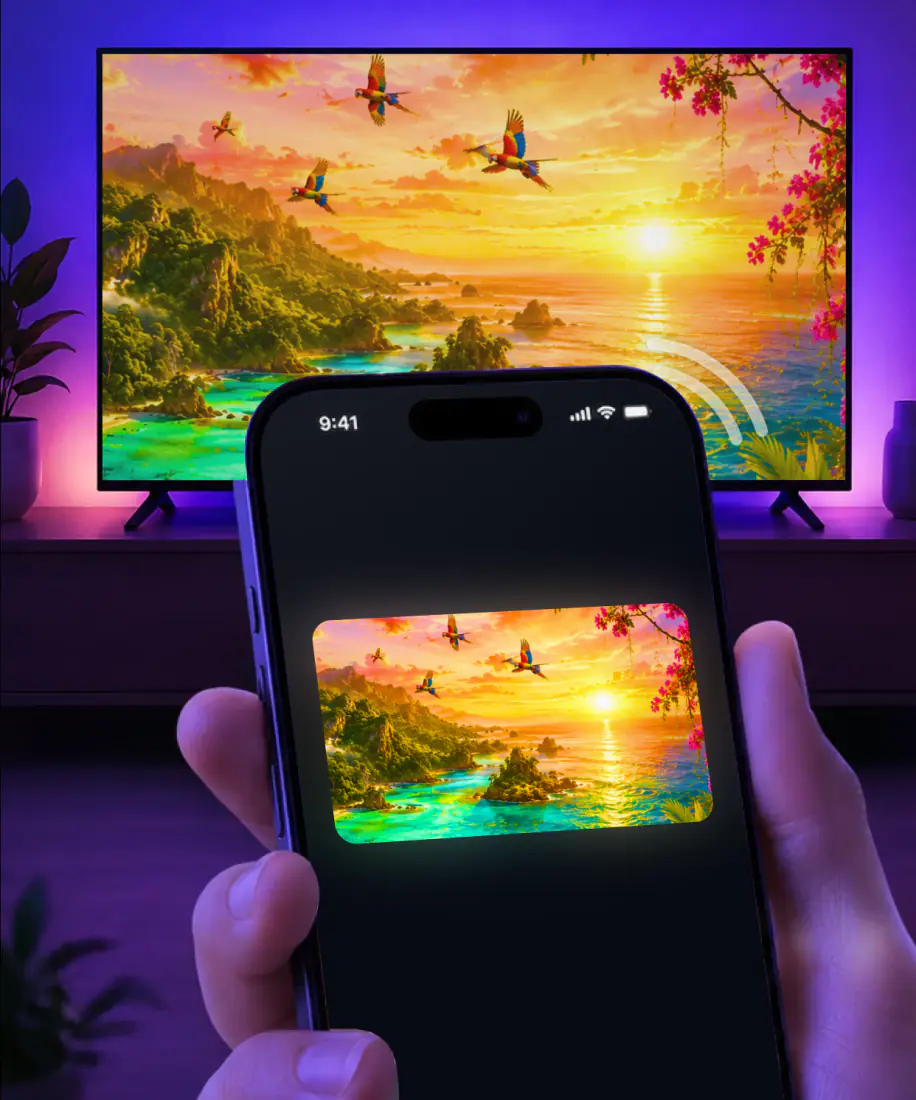
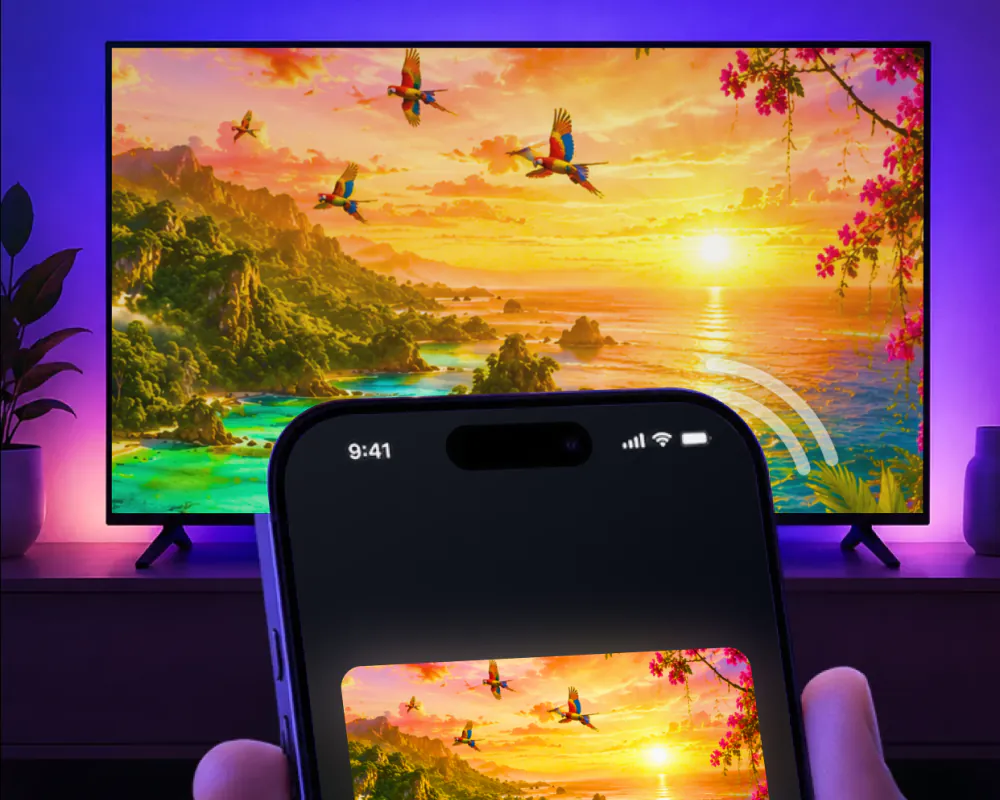
Screen Mirroring · Smart TV sends your iPhone screen to your TV in real time. The app supports Roku, and a Sharp Roku TV runs on Roku's own software. There is no cable and no extra box to buy.
The TV is something you pick just once. After that the app keeps it saved, so mirroring is a single tap with no codes to enter. Here is the first-time setup in three steps:
Start mirroringAirPlay to Sharp TV: which models have it
Sharp sells Roku TV sets in the United States, including its 2023 OLED models, and Sharp says they work with Apple AirPlay. Roku ties AirPlay to its own software on top of that: most models need Roku OS 9.4 or higher, and some need Roku OS 10.0. The screen mirror on Roku guide breaks the versions down by model.
Beyond the software version, AirPlay carries a few more conditions:
- It needs a receiver on the TV side. Apple asks for an Apple TV 4K or an AirPlay 2-enabled smart TV.
- Like the app, it needs the iPhone and the TV on the same Wi-Fi network.
- The first time you connect, the TV may show a passcode that you type on the iPhone.
- Some video apps might not support AirPlay.
AirPlay or the app on a Sharp Roku TV
Both routes put your iPhone on the Sharp. Here is where they differ.
| On a Sharp Roku TV | Built-in AirPlay | Screen Mirroring · Smart TV |
|---|---|---|
| Support | Sharp says its Roku TV is compatible with Apple AirPlay | The app supports Roku |
| Software | Needs Roku OS 9.4 or higher, or 10.0 on some models | The app needs iOS 15.0 or later on the iPhone |
| First connection | The TV may show an AirPlay passcode to type on the iPhone | In the app you pick the TV from a list, with no codes to type |
| Next time | For video from apps you use often, the iPhone can suggest the TV or connect to it on its own | The app remembers your TV, so it takes one tap |
| What reaches the TV | AirPlay sends video from apps that support it, your photos, or your whole screen | The app sends your whole screen in real time, photos and videos from your gallery, web video, YouTube and IPTV |
What you can put on the Sharp
Once the app is connected, this is what it can send to the TV, plus the two cases it can't cover. To stop a photo or video you sent from the app, tap the stop button in the app.
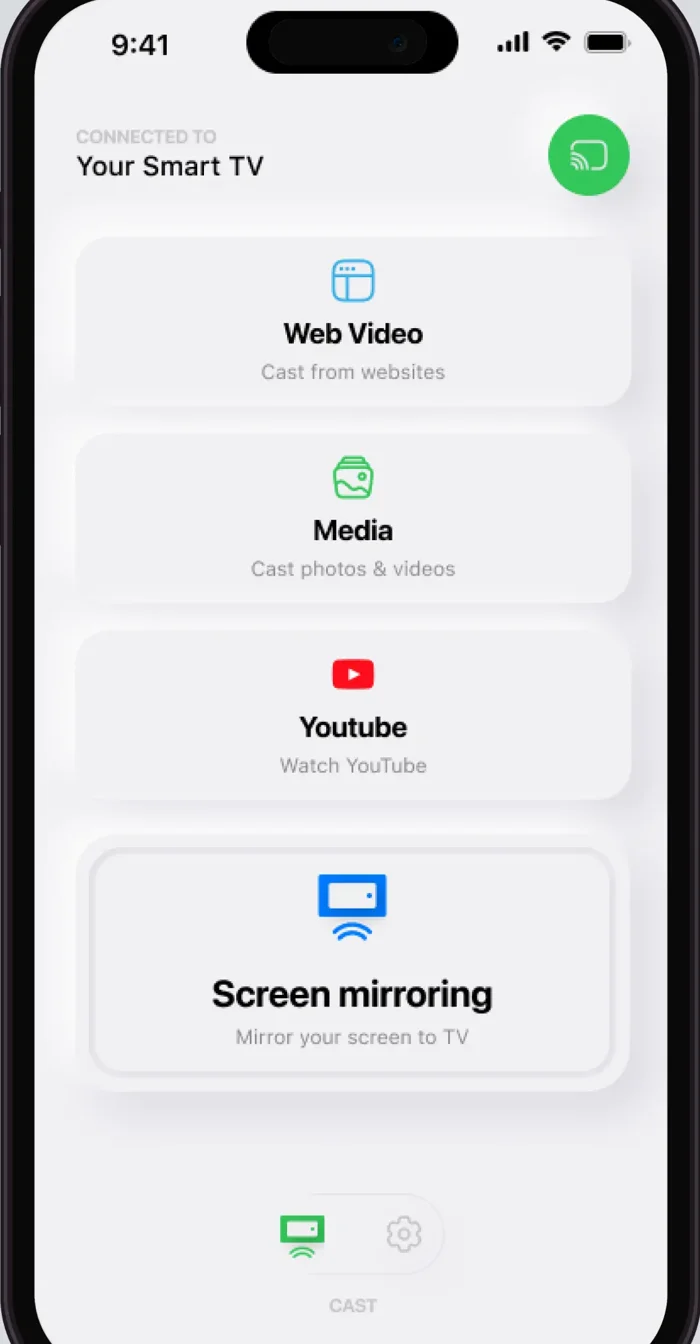
Your iPhone screen
Yes. Mirrored in real time, so apps, games and presentations show on the big screen.
Photos and videos from your gallery
Yes. Cast them from the app straight to the TV.
Instagram, TikTok and YouTube
Yes. Stream videos from these apps and more.
Video from websites
Yes. Cast online videos directly from the web.
IPTV
Yes. Watch it in the app's built-in IPTV player.
Video calls
Yes. Put the call on the TV so everyone can see it better.
A TV on another Wi-Fi network
No. The app needs the iPhone and the TV on the same network.
An iPhone on iOS 14
No. The app requires iOS 15.0 or later.
If the Sharp doesn't show up
Start with three quick checks. The cards after them lead to our longer guides.
Same network. Check that your iPhone and the Sharp are on the same Wi-Fi network.

VPN or proxy. For best performance, turn it off on your iPhone before connecting.

iOS version. The app requires iOS 15.0 or later.

AirPlay not working on your Sharp? That guide walks through what to check.
Screen mirroring not working on other TVs too? Start with the checks in that guide.
Another TV in the house? Our main guide, How to Connect iPhone to TV, covers the other brands.
What the app costs and what it needs
Subscriptions run through Apple inside the app, on a weekly or a yearly plan, and Settings on your iPhone is where you cancel one. Turn on Family Sharing, and some in-app purchases and subscriptions may be shareable with your family group.
The app works on iPhone and iPad, on iOS 15.0 or later, and comes from AQUIN VENTURES LTD. It has been on the App Store since November 2023. Version 1.5 came out on August 26, 2026, with a faster TV connection and smoother mirroring, less delay and fewer interruptions.
| Plan | Price |
|---|---|
| Yearly | $39.99 a year, which works out to $0.77 a week or about $0.11 a day |
| Weekly | $9.99 a week |
FAQ
Yes. Screen Mirroring · Smart TV supports Roku, so it works with a Sharp Roku TV. Put the iPhone and the TV on the same Wi-Fi network and pick the TV from the list the first time. The app remembers your TV, so after that it is one tap, with no codes to type.
Sharp Roku TV does. Sharp says its Roku TV sets, its 2023 OLED models included, work with Apple AirPlay, subject to Roku's own OS rules. Screen Mirroring · Smart TV gives you a second route: it supports Roku and mirrors your iPhone screen to the TV in real time.
Your Sharp, one tap away
Pick your Sharp Roku TV from the list the first time. The app remembers it after that, and there are no codes to type.
Subscription is billed by Apple inside the app. 4.61★ from 7,860 ratings.