
Is There a Smart View App for Galaxy and iPhone?
By  Vlad Karatai · Updated · 5 min read
Short answer
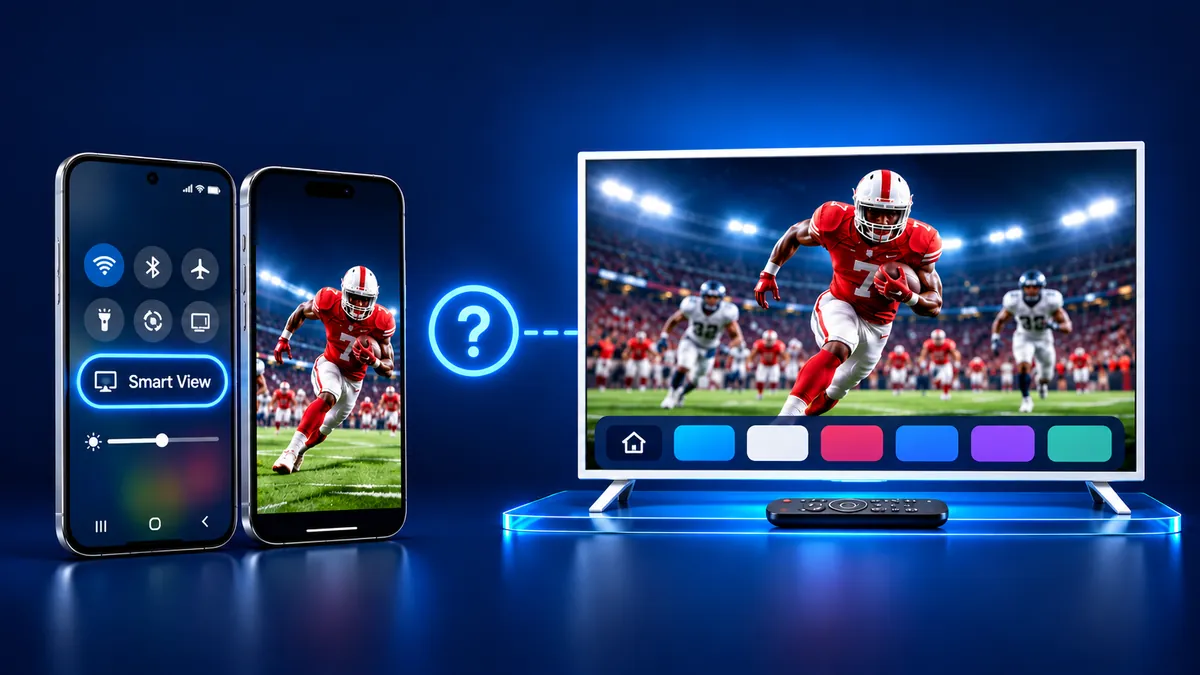
No, a Galaxy phone has nothing to download: Samsung says Smart View sits in the Quick settings panel and is not on every device. An iPhone mirrors through AirPlay, which Samsung offers on select 2018 to 2025 TVs. The Screen Mirroring · Smart TV app is the other route. Both need one Wi-Fi network.
Contents
Is there a Samsung Smart View app to download?
No, a Galaxy phone has nothing to install. Samsung's help page describes Smart View as a tile in the Quick settings panel and says it is not an app you download. The same page adds a warning that some devices do not have it.
The route to a Samsung TV changes with the phone you own.
| Your phone | Route to a Samsung TV | What it needs |
|---|---|---|
| Galaxy phone | Smart View in Quick settings | The same Wi-Fi network as the TV. |
| iPhone, with AirPlay | AirPlay 2 on some Samsung TVs | A Samsung TV that has AirPlay 2, with AirPlay switched on. |
| iPhone, with the app | Screen Mirroring · Smart TV | The same Wi-Fi network as the TV. |
How do I connect my Smart View device to my TV?
On a Galaxy phone it takes four steps, and the phone and the TV must share one Wi-Fi network. Samsung's steps are in its screen mirroring guide.
- Switch the TV on and join it to the Wi-Fi network your phone uses.
- Pull down from the top right corner to open Quick settings, then tap Smart View.
- Choose the TV under Available devices and tap Start now. Enter the PIN or allow access if the TV asks.
- When you finish, tap the Smart View icon and choose Disconnect.
A few TVs want a different input or a screen mirroring switch first. Samsung also warns that TVs from other brands may not work with Smart View.
Smart View also runs the other way when the TV supports it. On the phone, open the Smart View main page, tap Other device, then Phone, and choose the TV to watch it on the phone.
SmartThings app screen mirroring is the second route on a Galaxy phone. Open SmartThings, pick the TV, open the three-dot menu and tap Mirror screen (Smart View).
Can an iPhone use Samsung Smart View?
Samsung's own guide calls AirPlay the screen mirroring feature for iPhones. The other route is an App Store app.
Smart View · Share & Cast is the App Store subtitle of our iPhone app, Screen Mirroring · Smart TV. The publisher is AQUIN VENTURES LTD.
On one Wi-Fi network, Screen Mirroring · Smart TV finds your TV on its own. You pick your Samsung once. The app remembers your TV, so next time is one tap, with no codes. You get sound on your TV speakers and no ads, on iPhone and iPad. If your TV has Chromecast built-in, the app casts to it. Free download on the App Store.
Still want AirPlay on a Samsung TV?
AirPlay needs a Samsung TV that carries it. Samsung lists AirPlay 2 for select models from 2018 through 2025 and publishes no model list.
Samsung adds that AirPlay will not work over a mobile hotspot. In the TV menu, go to Settings, All Settings, General, Apple AirPlay Settings, then switch AirPlay on. Models from 2023 use Connection in place of General.
Then open Control Center on the iPhone, tap Screen Mirroring and pick the TV, as Apple describes. A code may show up the first time. Tap Stop Mirroring to end it.
Samsung's page lists Connection for 2023 and newer in one place and for 2022 to 2025 in another, so check both. Our AirPlay on Samsung TV guide has the full walk-through.
What to remember
- On a Galaxy phone, Smart View sits in Quick settings, and Samsung says it is not an app you download.
- Samsung's guide calls AirPlay the screen mirroring feature for iPhones.
- AirPlay 2 is on select Samsung TV models from 2018 through 2025, and Samsung publishes no model list.
Questions people ask
Where is Smart View on my Galaxy phone?
Pull down from the top right of the screen to open the Quick settings panel, then look for the Smart View tile. Samsung says some devices do not have it. If the tile is missing, the SmartThings app has a Mirror screen (Smart View) option.
Is there a Samsung Smart View download for iPhone?
Samsung's guide calls AirPlay the screen mirroring feature for iPhones. Smart View itself sits in the Quick settings panel of a Galaxy phone. The App Store app Screen Mirroring · Smart TV carries the subtitle Smart View · Share & Cast.
How do I download Smart View for a Samsung TV?
There is nothing to download on a Galaxy phone. Open Quick settings and tap Smart View, then pick the TV. An iPhone uses AirPlay or an App Store app.
Read next
More guides
- Why Netflix Won't Mirror or AirPlay From an iPhone
- Onvo TV Screen Mirroring on iPhone: What Works (2026)
- Panasonic VIERA Screen Mirroring: iPhone and Android
- Philco TV Screen Mirroring From iPhone (2026)
- Beko TV Screen Mirroring for iPhone Owners (2026)
- Sunny TV Screen Mirroring From iPhone (2026)
- Grundig TV Screen Mirroring: What Works on iPhone (2026)
- Arcelik TV Screen Mirroring From an iPhone (2026)
- Vestel TV Screen Mirroring: iPhone and Android (2026)
- How to Mirror iPad to Roku TV: Steps and Models (2026)
- TV Not Showing Up on AirPlay? How to Fix It (2026)
- AirPlay Password: Where the TV Code Comes From (2026)
- How to Fix No Sound in Screen Mirroring (2026)
- Apple TV Screen Mirroring From iPhone (2026)
- Hisense TV AirPlay: How to AirPlay on Hisense TV (2026)
- TCL TV AirPlay: How to AirPlay to TCL TV (2026)
- How to AirPlay on Google TV: Which TVs Have It (2026)
- How to Cast to Chromecast From an iPhone (2026)
- How to Mirror iPad to TV: 3 Ways That Work (2026)
- What Is Screen Mirroring? How It Works on iPhone
