Pricing
Both plans, in full, before you spend anything.
Mirroring costs $0.77 a week on the yearly plan, or $9.99 a week if you would rather pay as you go. Buy it here in about 20 seconds with a card or Apple Pay, or inside the app. Installing costs nothing.
Annual
$0.77a week
$39.99 a year • billed yearly
- Every TV the app reaches, on one plan
- Your screen, single photos, video and the browser
- Ends whenever you say so, from here or from the phone
Weekly
$9.99a week
billed weekly
- Same app, same TV, no lesser tier
- Useful for a weekend, a trip or one evening with guests
- Ends whenever you say so, from here or from the phone
What the plan covers
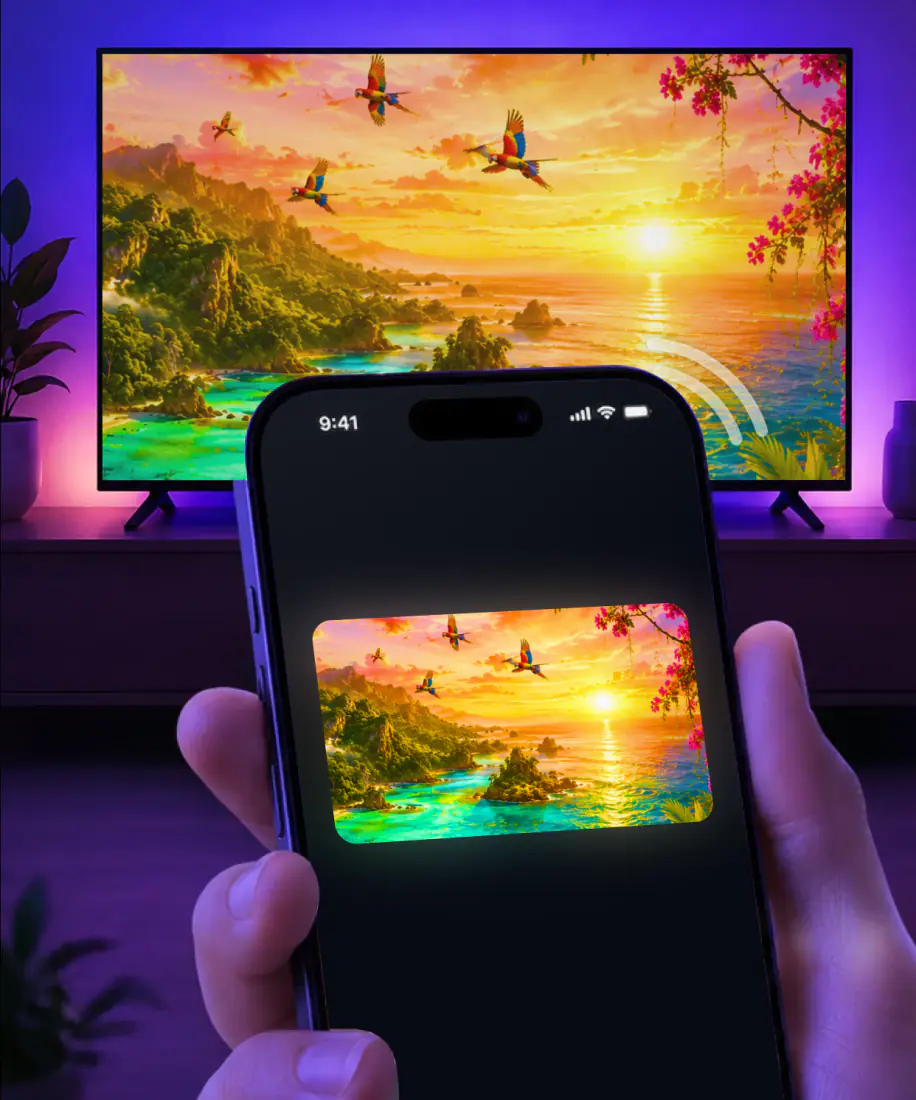
- Your whole screen on the television, in about three seconds
- One photo or one video at a time, with the phone still yours to use
- Twelve platforms, including sets that never had AirPlay
- The browser, presentations and anything else the phone can draw
- No advertising inside the app and no account to create
What it will not do
- Netflix, Disney+ and HBO Max switch off their own video before it leaves the phone. Open them on the television instead and mirror everything else.
- The phone and the television have to sit on the same Wi-Fi. A guest network or a second band keeps them apart.
- A phone hotspot normally blocks devices from seeing each other, so use a regular network on both.
Ending it takes one tap
The plan renews at the same price when the week or the year runs out, and it keeps renewing until you end it. Ending it takes one tap: from your account here, from the link in your receipt, or from Subscriptions on the iPhone if you bought it there. Mirroring runs to the end of the time you paid for.
- Bought here: open your account or the link in the receipt.
- Bought in the app: Settings, your name, Subscriptions, Screen Mirroring.
- Confirm. Mirroring runs to the end of the period you already paid for.
Refunds
Bought it and it was not for you? Write to {{support_email}} from the address on the receipt and the money goes back to the same card. If the purchase went through Apple instead, reportaproblem.apple.com handles it and Apple answers within a few days.
Full text in the refund policy and the terms.
Before you pay
It renews at the same price at the end of each week or year, and it keeps going until you end it. The receipt names the next date, and so does your account page here. Nothing changes price on its own, and nothing renews early. You can end it minutes after buying and still use what you paid for.
One tap. If you bought here, open your account or the cancel link in the receipt. If you bought inside the app, open Settings on the iPhone, tap your name, then Subscriptions, then Screen Mirroring. No call, no email, no form asking why you are leaving.
Write to {{support_email}} from the address on your receipt and say what went wrong. Purchases made here come back to the same card. If Apple took the payment, reportaproblem.apple.com handles the request and answers within a few days. We do not argue about it.
No trial, and nothing is taken for installing. The app opens and you can look around before deciding anything. Money moves only when you pick a plan and confirm it, at $9.99 a week or $39.99 a year. There is no charge waiting in the background.
Mirroring keeps running until the last day you paid for, then stops. The app stays on the phone and the parts that never needed a plan keep working. Come back whenever and pick it up again at the same price, on the same televisions.
Tonight, on the big screen
Pick a plan, pay in twenty seconds, and the set in the room is one tap away for good.
Or get it in the App Store: 4.61★ from 7,860 ratings