TCL Screen Mirroring from Your iPhone in One Tap
TCL support for AirPlay depends on the set: select TCL Roku TVs have it, and so do the Google TV models Apple names for the US, including the QM850G. Screen Mirroring · Smart TV skips that check. Pick your TCL on an iPhone with iOS 15.0 or later, and the app remembers it: next time is one tap, no codes.
 4.61
4.61How to cast to TCL TV from your iPhone
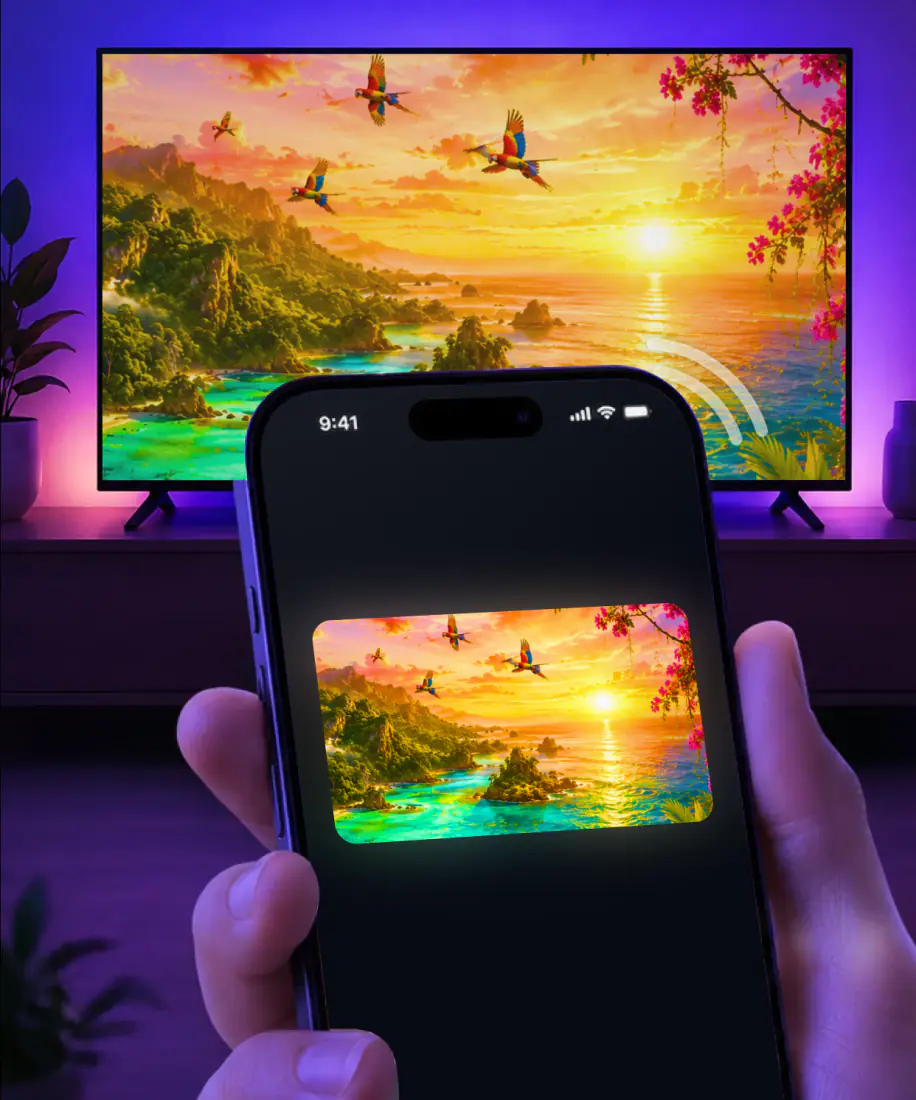
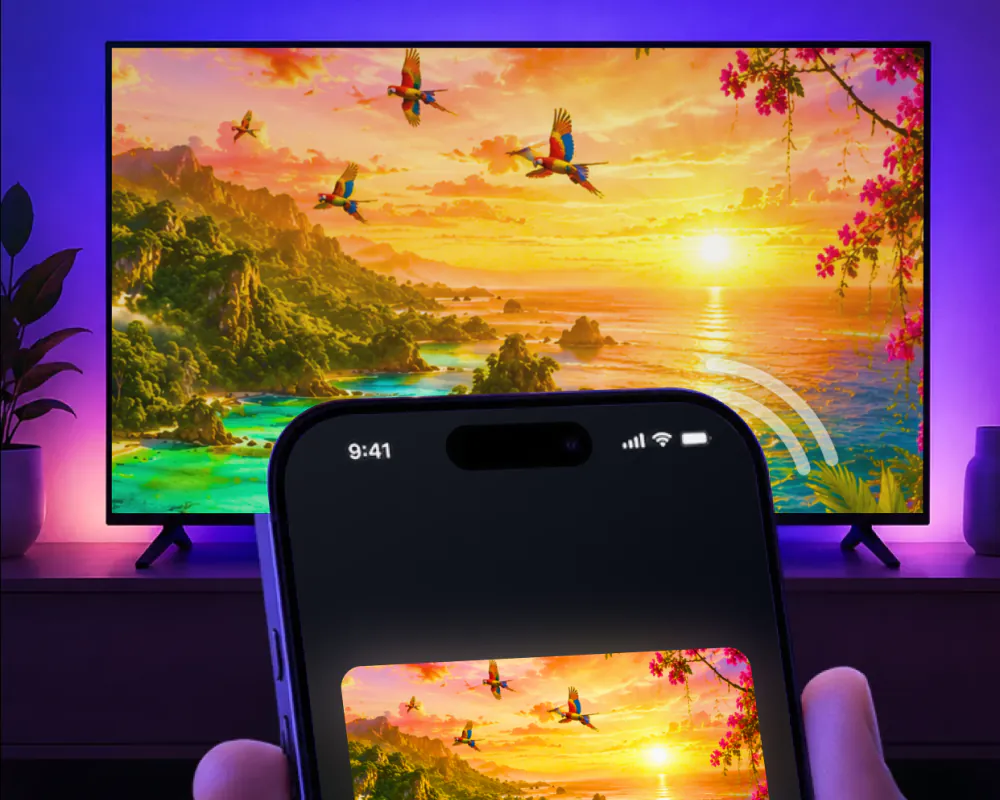
Screen Mirroring · Smart TV mirrors your iPhone screen to a smart TV in real time. It supports Roku, Fire TV, Chromecast, Samsung, LG and other major smart TVs, which covers a TCL Roku TV through Roku and a TCL Google TV through Chromecast.
The first connection takes three steps: connect the iPhone and the TCL to the same Wi-Fi network, pick the TCL from the list of available devices, and start mirroring. After that, the app remembers the TV, so the next time is one tap, with no codes to type.
When you are done, stop the broadcast on your iPhone. If you sent photos or videos from the app instead, tap the stop button in the app.
Here's what you need:
- An iPhone or iPad on iOS 15.0 or later.
- Free download. The subscription, billed by Apple inside the app, is $9.99 a week or $39.99 a year, and you can cancel it in Settings on your iPhone.
- No extra hardware or software.
- VPN or proxy off before you connect, for the best performance.
TCL AirPlay: which Roku TV and Google TV sets have it
TCL sells two different systems, and AirPlay support follows the one inside the set. On the Roku side, TCL says AirPlay and HomeKit are available on select TCL Roku TVs, without naming which models. Those sets also need Fast TV Start turned on, since a TCL Roku TV can drop off the network once it is powered off, and AirPlay cannot wake it.
On the Google TV side, AirPlay is attested by Apple's own accessory list rather than by a TCL page. It covers the QM and Q5K Google TV lineup and later in the US, and Apple separately names the C735, C835, C845, Q750G and QM850G. TCL Google TV sets also have Chromecast built in, which the app supports by name.
A TCL Roku TV runs Roku OS, so the same rules apply to it as to any other Roku set. For the full walkthrough, see screen mirror on Roku.
| TCL system | AirPlay | What to do |
|---|---|---|
| TCL Roku TV, select models | Yes, with Fast TV Start on | Keep Fast TV Start on so the set stays reachable. The app works here too. |
| TCL Roku TV, other models | Not named by TCL | Open the app and pick the TCL. Nothing to check first. |
| TCL Google TV, QM and Q5K lineup and later (US) | Yes, per Apple's list | AirPlay should be there. The app connects the same way and remembers the set. |
| Other TCL Google TV sets | Not on Apple's list | Chromecast built-in is still there, and so is the app. |
Sources: TCL on AirPlay and HomeKit and Apple's list of AirPlay TVs, checked 09.09.2026. TCL is a trademark of TCL. Roku is a trademark of Roku, Inc. AirPlay is a trademark of Apple Inc.
Where the app and AirPlay differ
If your TCL has AirPlay, it will do the job. Here is what changes with the app, and what stays the same.
- 1No codes to type
AirPlay can show a passcode on the TV the first time you connect, and you type it on the iPhone. The app never asks for one.
- 2One tap after the first time
The app remembers your TCL once you have picked it from the list, so the next session is one tap instead of a fresh connection.
- 3Same Wi-Fi network
AirPlay to a smart TV needs the iPhone and the TV on one Wi-Fi network. The app works the same way.
What you can put on the TCL
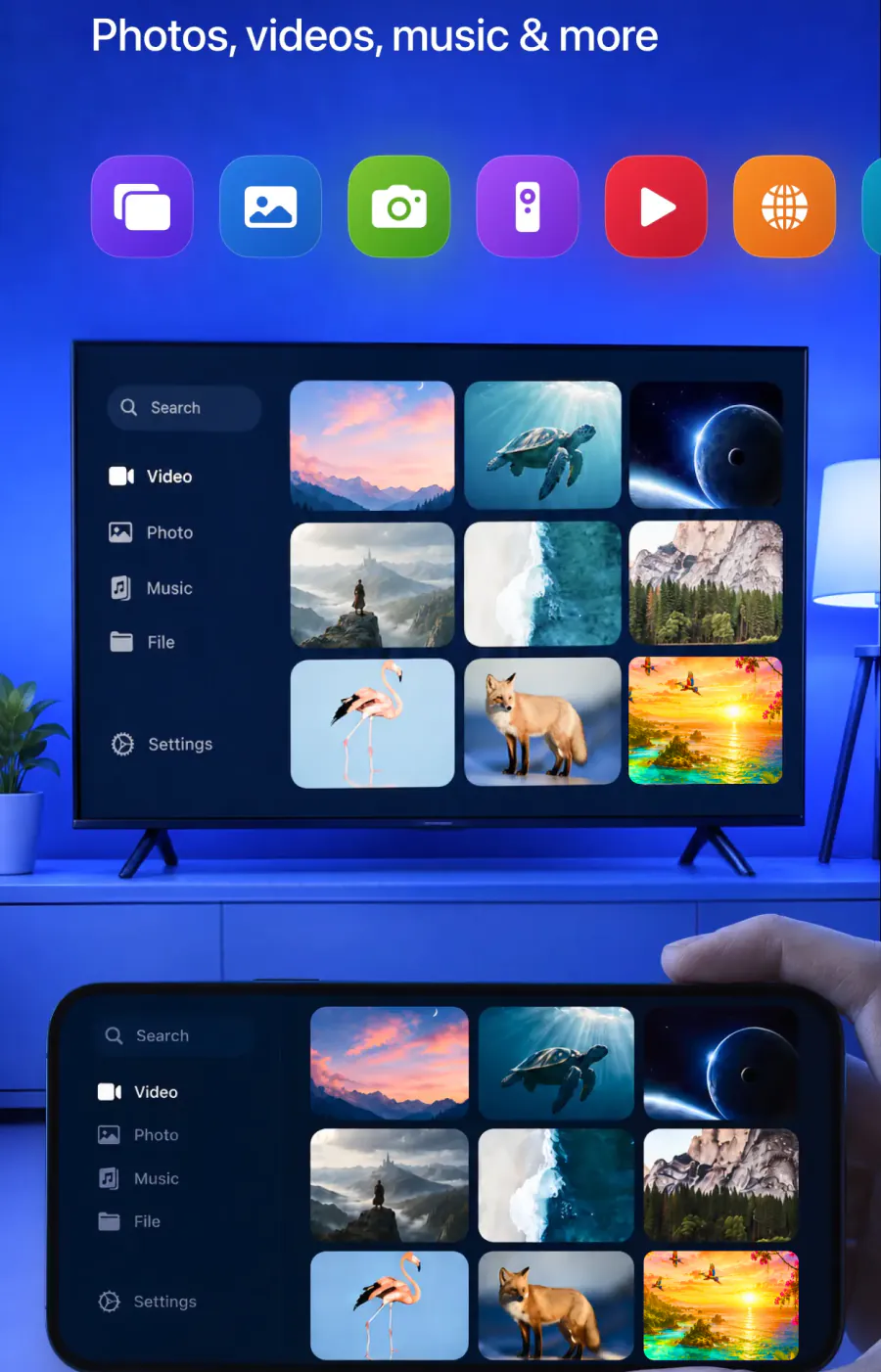
The app mirrors your whole iPhone screen with high-quality video and minimal lag. It can also cast from your gallery, from websites and from apps like YouTube.
Yes. Mirrored to the TCL in real time.
Yes. Cast them straight to the big screen.
Yes. Stream videos from these apps and more.
Yes. Cast online videos directly from the web.
Yes. Play them on the TCL for a bigger view.
Yes. Share work materials, or put a video call on the TV so everyone can see it.
Yes. The app works on iPhone and iPad.
If your TCL doesn't show up
Start with these checks.
Not in the app's list? Make sure the iPhone and the TCL are on the same Wi-Fi network, then turn off any VPN or proxy and try again.

Not in the AirPlay list? Compare your TCL with the table above, then work through AirPlay not working.

Picture freezes or keeps dropping? See screen mirroring not working.
FAQ
Connect your iPhone and the TCL Roku TV to the same Wi-Fi network, open Screen Mirroring · Smart TV, and tap the TCL in the list. TCL says AirPlay reaches only select Roku TV models, while the app works the same way whether or not the model made that list, with no codes, and next time it is one tap.
Some do. TCL lists AirPlay on select TCL Roku TVs, and Apple's own list adds the QM and Q5K Google TV lineup and later in the US, including the QM850G and the C735. Screen Mirroring · Smart TV reaches TCL sets either way, over the same Wi-Fi, with the app remembering the TV for next time.
Yes. Screen Mirroring · Smart TV runs on iPhone and works with TCL Roku TV and TCL Google TV sets alike, AirPlay or not. Connect the iPhone and the TCL to one Wi-Fi network, open the app, and tap the TV in the list. It remembers the TV, so the next time is one tap, with no codes.
Connect the iPad and the TCL to one Wi-Fi network, open Screen Mirroring · Smart TV, and pick the TCL from the list, the same three steps as on an iPhone. The app remembers the TV, so next time is one tap, with no codes, reaching a TCL Roku TV through Roku and a TCL Google TV through Chromecast.
Guides for other TV brands
For a general walkthrough, see how to connect iPhone to TV. Or pick the brand of your other TV.
Your iPhone on the TCL in one tap
Pick your TCL once, and the app remembers it. No codes, no cables, no extra hardware.
Subscription is billed by Apple inside the app. 4.61★ from 7,860 ratings. TCL is a trademark of TCL. Roku is a trademark of Roku, Inc. AirPlay is a trademark of Apple Inc. Not affiliated with any of them.