1
Get on one Wi-Fi network
Connect your iPhone and the Toshiba to the same Wi-Fi network. Turn off any VPN or proxy first for the best performance.
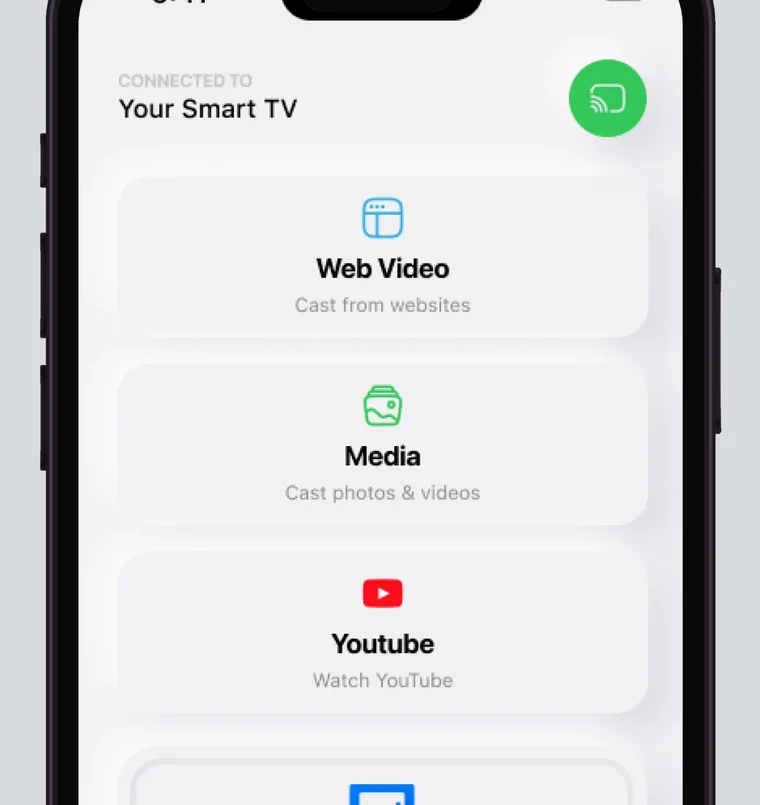
Connect your iPhone and the Toshiba to one Wi-Fi network, then choose the TV in our app and start mirroring. After that, the app remembers your TV: one tap, no codes. Toshiba's US Fire TV lines from 2020 to 2023, like the C350 and M550, follow Amazon's rule that not every Fire TV smart TV supports AirPlay.
 4.61
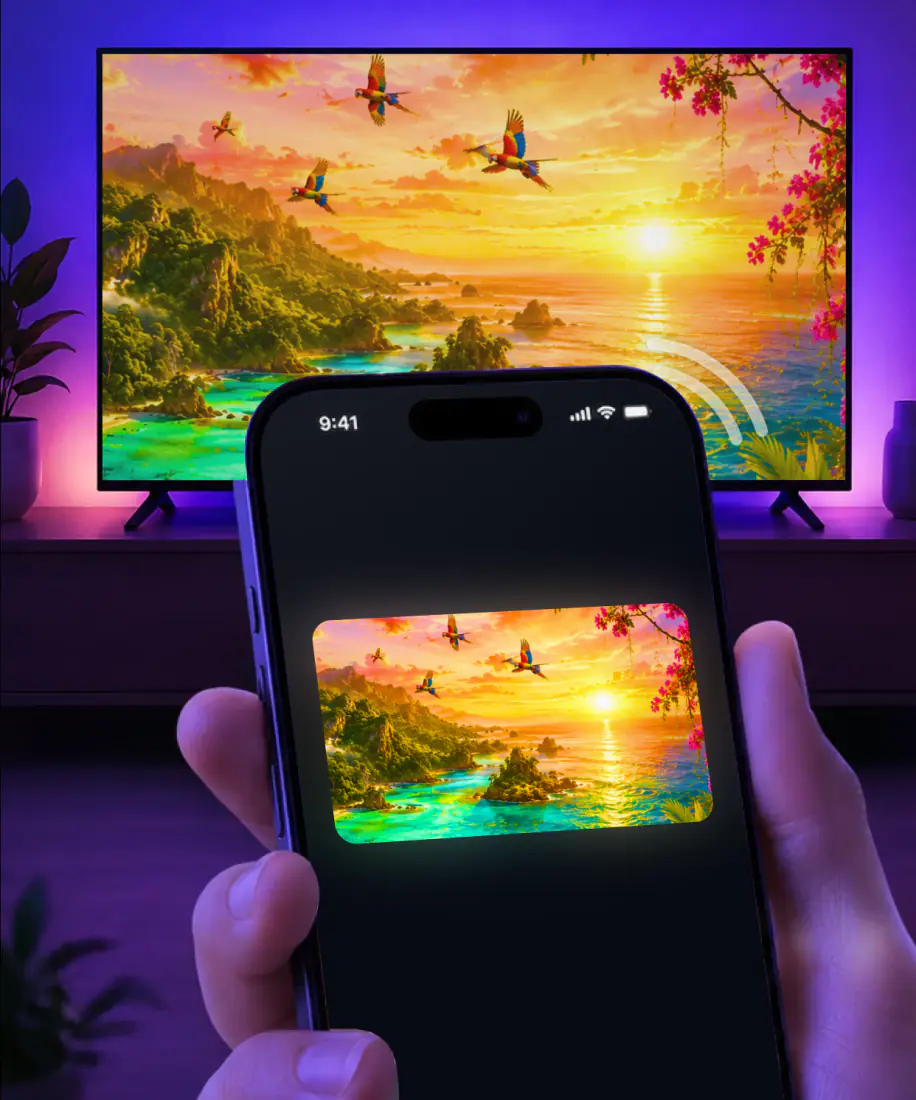
4.61Screen Mirroring · Smart TV mirrors your iPhone screen to the TV in real time. It supports Fire TV, so Toshiba's Fire TV models are covered. The first time takes three steps, and from then on it's one tap.
3seconds, typical
Connect your iPhone and the Toshiba to the same Wi-Fi network. Turn off any VPN or proxy first for the best performance.
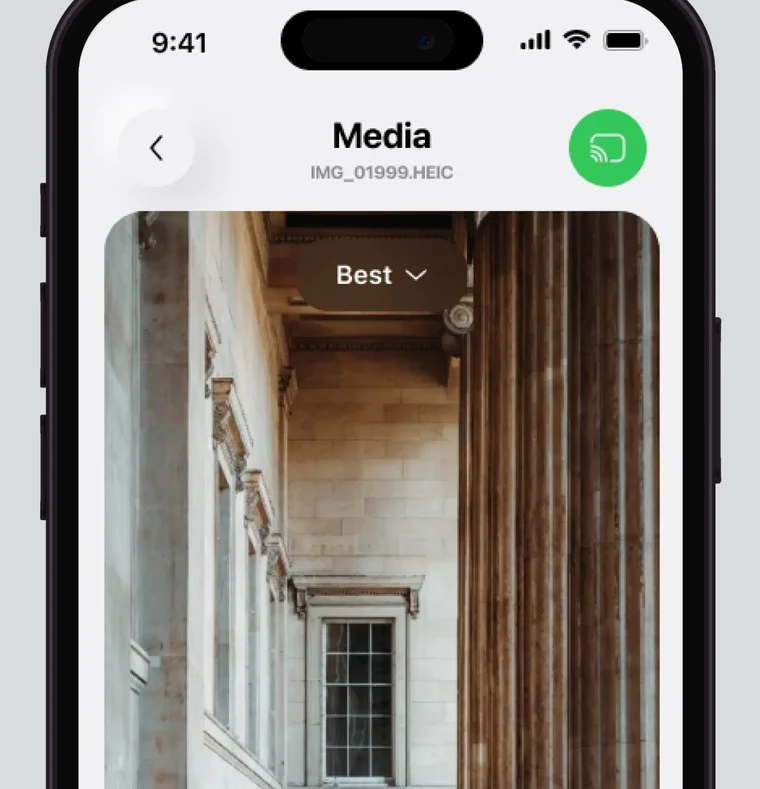
Select it from the list of available devices. The app remembers your TV, so next time it's one tap.
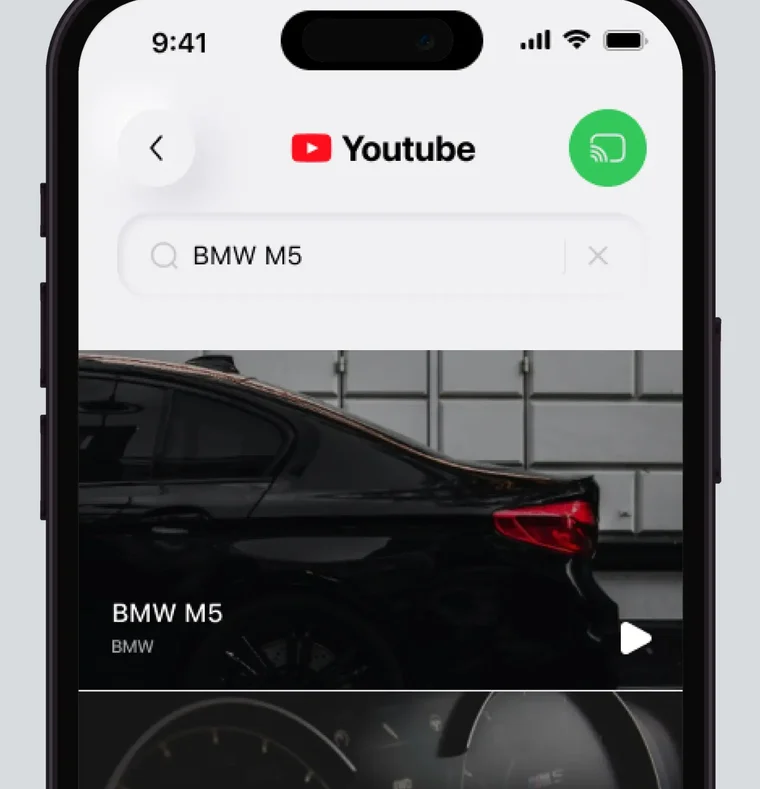
Your iPhone screen appears on the Toshiba in real time. There are no codes to type.
For iPhone with iOS 15.0 or later. Free download; the subscription is billed by Apple inside the app.
Toshiba's US Fire TV models fall under Amazon's rule for Fire TV smart TVs: not every one supports AirPlay. Apple's own list of AirPlay TVs includes eight Toshiba series.
The table below shows the US lines and their years. To check your set, look in Settings under Display & Sounds for AirPlay & HomeKit, where Fire TV smart TVs keep the AirPlay switch. Since the app supports Fire TV, it works with these Toshiba sets as well.
| Device | Years | AirPlay |
|---|---|---|
| Toshiba C350, E330, M550, X9900 | 2022 to 2023 | Some models |
| Toshiba V35 FHD/HD Fire TV | 2021 | Some models |
| Toshiba 4K UHD Fire TV | 2020 to 2022 | Some models |
| Toshiba 4K Far-field UHD | 2021 | Some models |
| Fire TV Stick in an HDMI port | All generations | No |
AirPlay model data checked September 9, 2026.
Fire TV's own screen mirroring doesn't support iPhones: Amazon's mirroring page lists iOS and macOS as unsupported. So cast with the app. Connect the iPhone and the Toshiba to the same Wi-Fi, select the TV from the list of available devices and start mirroring. Fire TV is on the app's supported list, and next time it's one tap.
AirPlay is already on your iPhone. Whether it can reach a Toshiba depends on what's inside the TV.
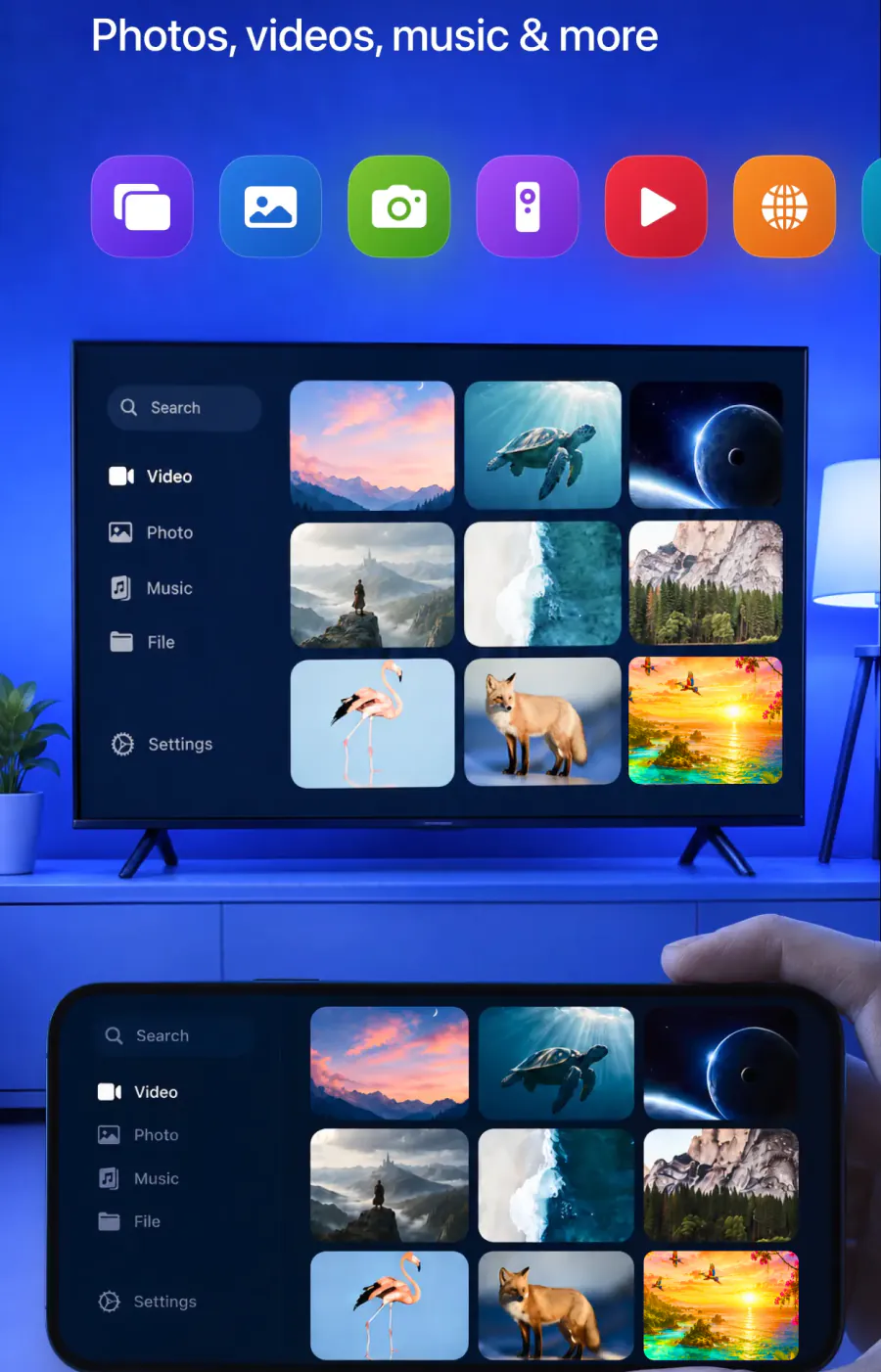
Screen Mirroring in Control Center sends to an AirPlay receiver, such as an Apple TV 4K or a smart TV with AirPlay 2. On a Fire TV smart TV, that isn't a given.
No Fire TV Stick supports AirPlay, whatever the generation, so a stick plugged into the Toshiba can't receive it.
The first time you use AirPlay with a TV, a passcode can appear on the screen for you to type on the iPhone. The app doesn't use codes.
The app remembers your Toshiba. Next time it's one tap.
No cables and no additional hardware. Getting started is simple.
Mirror the whole screen, or cast photos and videos from your gallery and stream videos from apps and the web. Streaming is high quality with minimal lag, and version 1.5, released August 26, 2026, brought less delay and fewer interruptions. When you're done, stop the broadcast on your iPhone, or tap the stop button in the app if you're showing photos or videos from it.
Yes. Mirrored to the Toshiba in real time.
Yes. Sent to the big screen from the app.
Yes. Streamed to the TV.
Yes. Cast straight from the web.
Yes. Bigger screen, same game.
Yes. Work materials on a screen the whole group can read.
Yes. Easier to see on the TV.
Yes. Through the app's built-in IPTV player.
Check the network first. If that's fine, the guides below go further.
The Toshiba isn't in the list. Make sure the iPhone and the TV share the same Wi-Fi network, and turn off any VPN or proxy on the iPhone.

AirPlay doesn't see the TV. Go through the AirPlay not working checklist.

Mirroring starts, then drops. The screen mirroring not working guide lists what to check.
Besides Fire TV, the app supports Roku, Chromecast, Samsung, LG and other major smart TVs.
For a Fire TV Stick on another TV, the Fire TV guide shows the steps to cast to Firestick. For Samsung, LG or Roku, start with our main guide, How to connect iPhone to TV.
Your iPhone on the Toshiba
Choose your Toshiba from the list once. The app remembers it from then on, with no codes to type.
Subscription is billed by Apple inside the app. 4.61★ from 7,860 ratings.