1
Join the same Wi-Fi
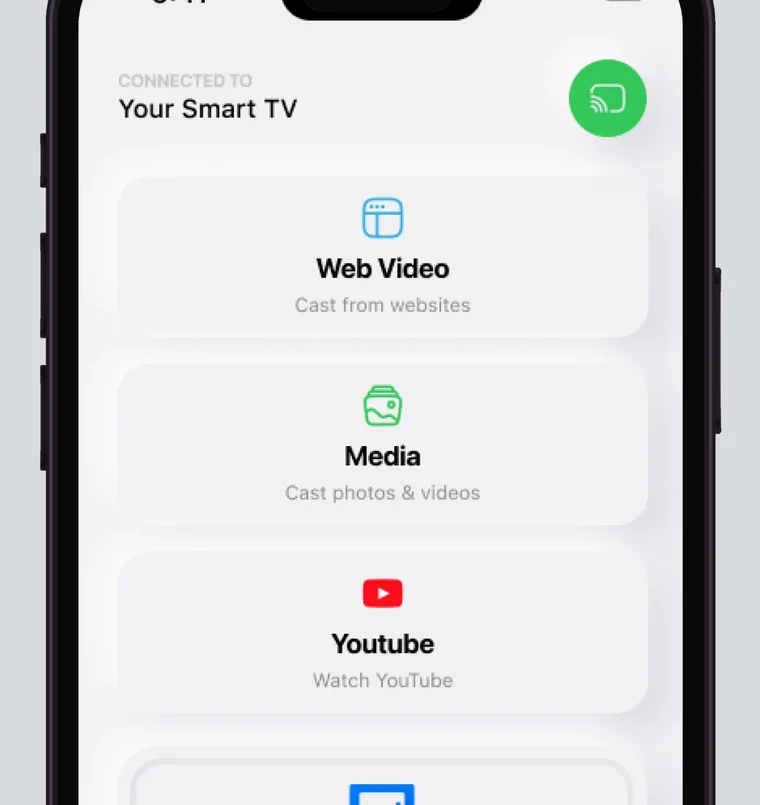
Connect your iPhone and your Samsung TV to the same Wi-Fi network. For the best performance, turn off VPN or proxy before you connect.
Connect your iPhone and Samsung TV to the same Wi-Fi network, then pick the TV in the app and start mirroring. Screen Mirroring · Smart TV remembers your TV, so next time it is one tap, with no codes to type. AirPlay 2 is available on select Samsung models from 2018 to 2025, with no public model list.
 4.61
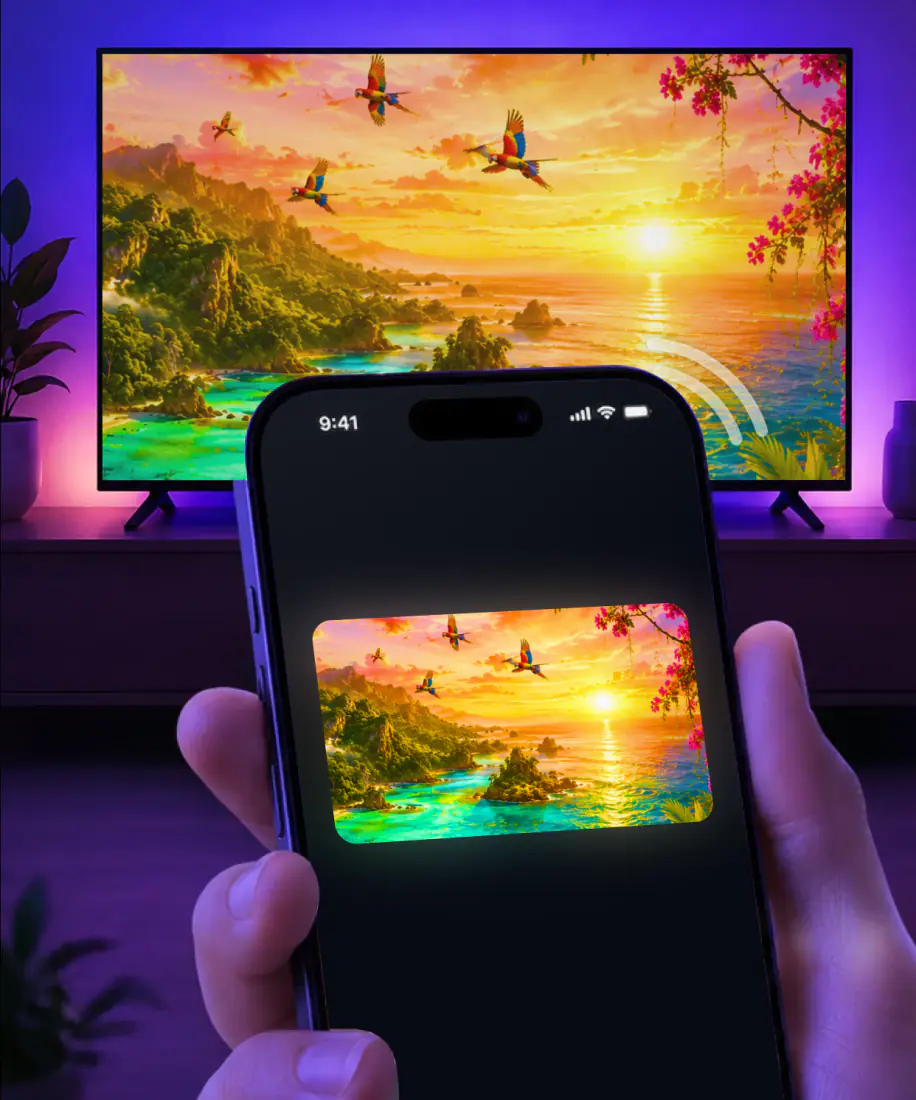
4.61Screen Mirroring · Smart TV mirrors your iPhone screen to your Samsung in real time, with no cables, no complicated setup and no additional hardware. The first time takes three steps. After that, mirroring is one tap.
3seconds, typical
Connect your iPhone and your Samsung TV to the same Wi-Fi network. For the best performance, turn off VPN or proxy before you connect.
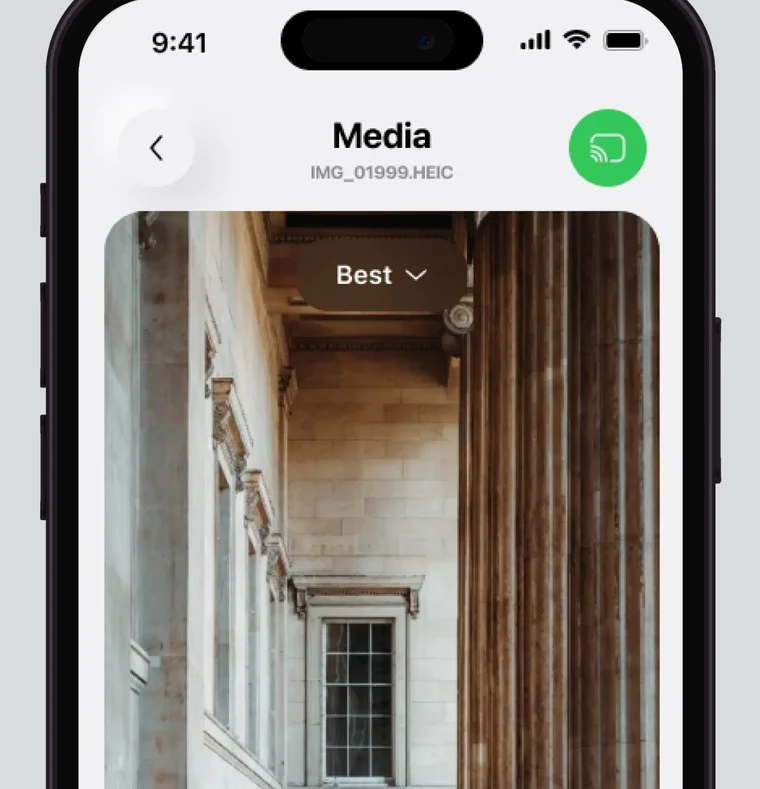
Open the app and select your TV from the list of available devices. You only do this once, because the app remembers your TV.
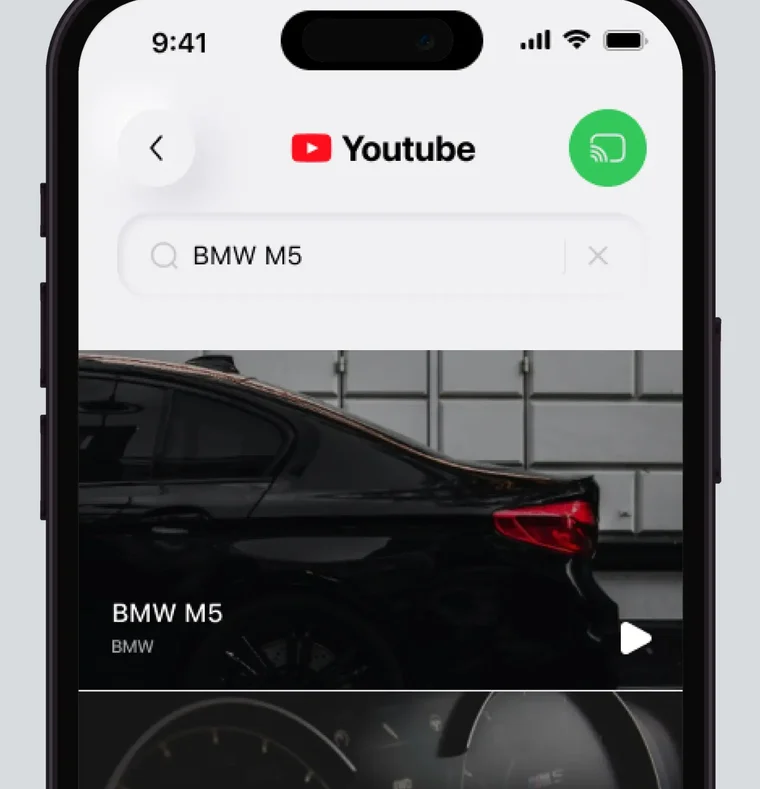
Your iPhone screen appears on the Samsung in real time. Next time it takes one tap, and there are no codes to type.
To end mirroring, stop the broadcast on your iPhone. For photos and videos cast from the app, tap the stop button in the app.
Mirroring puts your whole iPhone screen on the TV in real time. Here is what else the app is made for, and the one setup it can't work around.
Yes. Mirrored in real time over a stable wireless connection, with minimal lag.
Yes. Cast them straight to the big screen.
Yes. Stream them from these apps and more, or cast online videos directly from a website.
Yes. Watch them in high definition.
Yes. Watch it in the built-in IPTV player.
Yes. Play them on the TV for a bigger view.
Yes. Share them on the TV, along with other work materials.
Yes. Put the call on the TV so everyone can see it.
No. The iPhone and the TV have to share one network.
AirPlay is Apple's built-in way to stream video or mirror the screen. On the TV side it needs a receiver: an Apple TV 4K or a smart TV with AirPlay 2.
Only some Samsung TVs, Smart Monitors and projectors have AirPlay 2, as the table below shows, so the TV menu is where to look. On sets that have it, Apple AirPlay Settings sits under General, or under Connection on 2023 and newer models.
The iPhone and the TV then have to be on the same Wi-Fi network. Samsung adds that if you use a mobile hotspot for your internet connection, AirPlay will not work.
| On a Samsung | AirPlay 2 | The app |
|---|---|---|
| Where it starts | Screen mirroring starts in Control Center on the iPhone. | In the app on your iPhone. |
| First connection | The TV may show a passcode to type on the iPhone. | You pick your TV from the list of available devices. |
| Next time | The iPhone can suggest a TV you use regularly, or connect to it on its own, when you play video from apps. | The app remembers your TV: one tap, and no codes to type. |
Samsung gives a range of years for its TVs and Smart Monitors, with no list of models, so a set from those years may or may not have AirPlay 2. Two projectors are named by model.
| Samsung device | AirPlay 2 | Details |
|---|---|---|
| TVs from 2018 to 2025, plus Samsung Smart Monitors | Select models | Samsung publishes no model list. |
| The Freestyle projector | Yes | Samsung notes that devices using the earlier AirPlay (version 1) may not be compatible. |
| The Premiere LSP7 and LSP9 (2020) | Yes | Named in Apple's own AirPlay list. |
Check the network first, then the guide that matches what you see.
Your Samsung isn't in the app's list. Make sure the iPhone and the TV are on the same Wi-Fi network, turn off VPN or proxy, and look again.

AirPlay can't find the TV or won't connect. The AirPlay not working checklist covers what to try.

Mirroring starts, then stops or freezes. See screen mirroring not working for the next steps.
Screen Mirroring · Smart TV comes from AQUIN VENTURES LTD and has been on the App Store since November 2023.
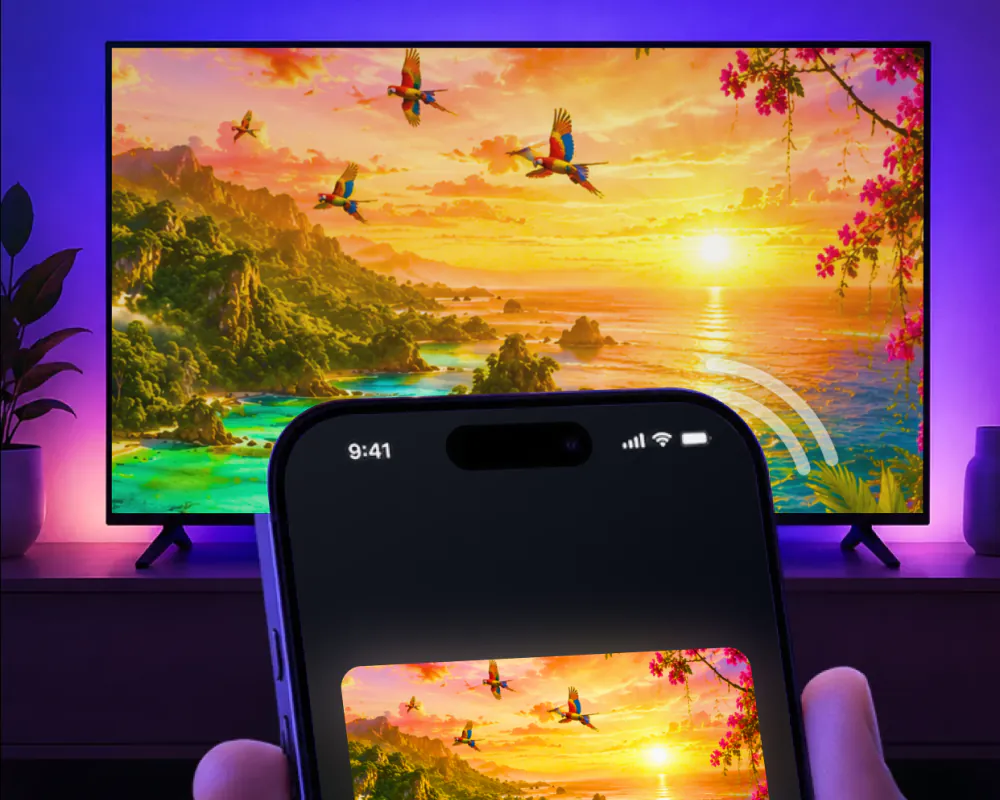
Some models do. Samsung says AirPlay 2 is available on select TV models from 2018 to 2025, and it publishes no model list, so the year alone won't tell you. Screen Mirroring · Smart TV supports Samsung TVs too: you pick yours from the list once, and after that mirroring is one tap.
Screen Mirroring · Smart TV works on iPhone and iPad. Connect your iPad and Samsung TV to the same Wi-Fi network, open the app, and pick the Samsung from the list. Start mirroring, and your iPad screen appears on the TV in real time. The app remembers your TV, so next time is one tap, with no codes to type.
Yes. Screen Mirroring · Smart TV is an iPhone app that mirrors your screen to a Samsung TV in real time; its App Store subtitle is Smart View · Share & Cast. The app remembers your TV, so after the first time mirroring is one tap, with no codes to type. It needs iOS 15.0 or later.
The app also supports LG, Roku, Fire TV, Chromecast and other major smart TVs. For those, our main guide has the steps to connect iPhone to TV, and each guide below covers one brand.
Put your iPhone on the Samsung
Pick your Samsung from the list once. The app remembers your TV, and there are no codes to type.
Subscription is billed by Apple inside the app. 4.61★ from 7,860 ratings.