
Apple AirPlay TV List: Which TVs Are Compatible?
By  Vlad Karatai · Updated · 5 min read
Short answer
Apple's list of AirPlay-enabled TVs had 213 listings from 40 brands in December 2025, and its newest model year is 2023. Sony, Hisense and Samsung hold 109 of them. A newer TV can still have AirPlay, so check its menu. If yours has none, Screen Mirroring · Smart TV puts your iPhone on it in one tap.
Contents
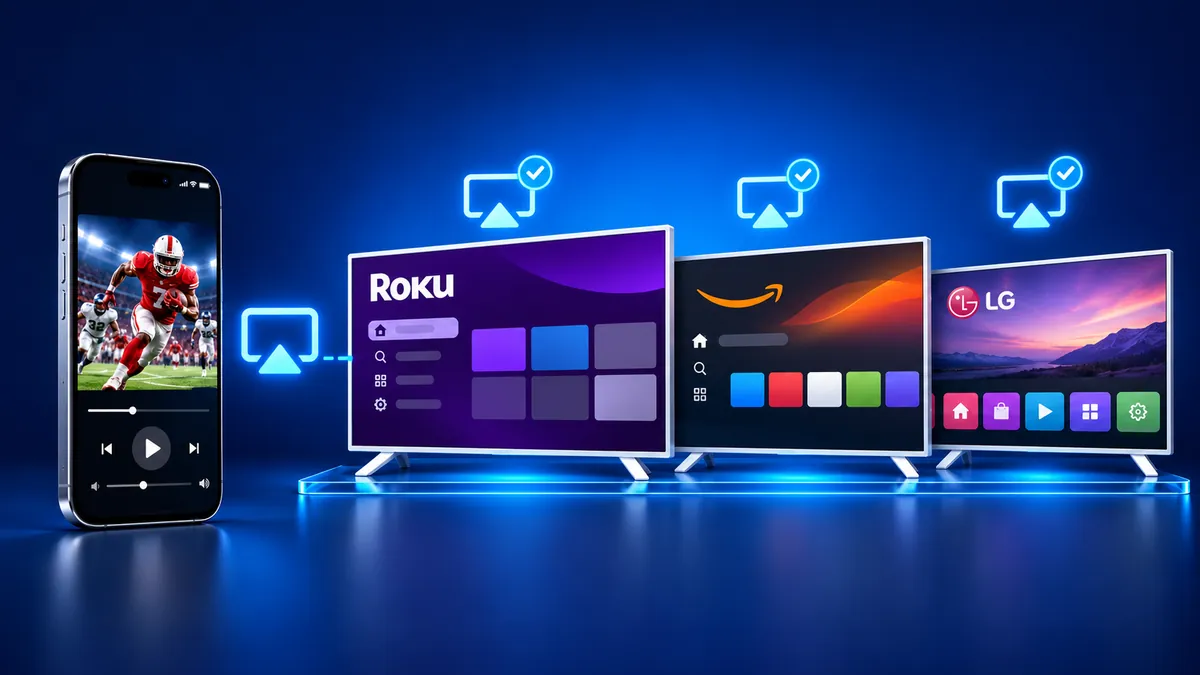
Which TVs are compatible with Apple AirPlay?
No listing in Apple's list with a model year goes past 2023. As of November 10, 2026, Apple's U.S. Home accessories page shows only receivers and speakers. Its AirPlay page still links to "See all AirPlay-enabled smart TVs", but that TV section is gone.
Counts are from Apple's Australian list (December 2025 archive copy).
| Brand | Listings | Model years |
|---|---|---|
| Sony | 40 | 2018 to 2023 |
| Hisense | 38 | 2022 to 2023 |
| Samsung | 31 | 2018 to 2023 |
| Roku (TVs, players, soundbars) | 17 | 2013 to 2022 |
| TCL | 11 | None given |
| LG | 10 | 2018 to 2023 |
| VIZIO | 9 | 2016 to 2023 |
| REGZA | 8 | 2022 |
| Toshiba | 8 | 2020 to 2023 |
| Amazon | 4 | 2021 where given |
| Westinghouse | 4 | None given |
| 29 other brands | 33 | 2020 to 2023 where given |
How do I connect AirPlay to my TV?
Open Control Center, tap Screen Mirroring and pick your TV, if the TV has AirPlay and shares your Wi-Fi. These are the steps on Apple's support page.
- Put your iPhone on the same Wi-Fi network as the TV.
- Open Control Center by swiping down from the upper-right corner (iPhone X or later).
- Tap Screen Mirroring.
- Select your TV from the list.
- The TV may show a passcode. If it does, type it on your iPhone.
- To end the session, go back to Control Center, tap Screen Mirroring and choose Stop Mirroring.
That path needs a TV with AirPlay, one shared Wi-Fi network, Control Center and sometimes a passcode. The app also needs that Wi-Fi network. It finds your TV on its own, needs no codes, and remembers your TV, so next time is one tap.
How to check if your TV has AirPlay
Look for an AirPlay entry in the TV's settings. The path depends on the brand.
- Samsung: Settings (All Settings), General, then Apple AirPlay Settings. On 2023 and newer models, pick Connection instead of General. Samsung only says AirPlay 2 is on "select Samsung TV models (2018 - 2025)" and publishes no model list.
- Roku: Settings, System, About shows the version and model. AirPlay needs Roku OS 9.4 or higher on some models and 10.0 or higher on others.
- Fire TV: Settings, Display & Sounds, AirPlay & HomeKit. Amazon says AirPlay isn't compatible on all Fire TV Smart TV devices.
- LG: LG's help table ends at webOS 24 (2024) and has no row for 2025 or 2026 sets. It lists the 2018 C8 as supported, while 9to5Mac and the LG community say it never got AirPlay 2 and a B9, C9 or E9 is needed.
Is it better to cast or AirPlay?
It depends on the TV: some have AirPlay, some have Chromecast built-in, and some have both, like VIZIO SmartCast sets.
- Apple says AirPlay to a TV needs "Apple TV 4K or an AirPlay 2-enabled smart TV".
- Google's pages for Chromecast and Google TV Streamer offer Cast and never mention AirPlay.
- Netflix states that it "doesn’t support AirPlay" and points to casting, a cable or the TV remote.
Why won't my iPhone AirPlay to my TV anymore?
The app finds your TV on its own, needs no codes, and remembers your TV, so next time is one tap. Still want AirPlay? Start with Apple's checklist: power on both devices, keep them close, update their software, share one Wi-Fi network and restart them.
Samsung says AirPlay will not work when your internet comes from a mobile hotspot. A Roku TV may drop off your network when powered off, so Roku suggests Fast TV start in Settings, System, Power. Roku also says to open Settings, Apple AirPlay and HomeKit and make sure AirPlay is On.
TV not on the list? Use the app
Screen Mirroring · Smart TV is Screen Mirroring for any TV on your Wi-Fi. It supports Roku, Fire TV, Chromecast, Samsung, LG and other major Smart TVs. If your TV has Chromecast built-in, the app casts to it.
Pick your TV from the list the app builds on its own, with no codes. Audio comes out of your TV speakers, and the app remembers your TV for one tap after that. Free download on the App Store.
Still want AirPlay? An Apple TV 4K accepts it. Our guide to AirPlay without Wi-Fi covers the cable route.
What to remember
- Apple's list had 213 listings from 40 brands in December 2025, and its newest model year is 2023.
- A 2024 or 2025 TV can still have AirPlay, so check its menu.
- For a TV without AirPlay, the app finds your TV on its own and remembers it.
Read next
More guides
- Arcelik TV Screen Mirroring From an iPhone (2026)
- How to AirPlay to Samsung TV: Steps and Menu (2026)
- Vestel TV Screen Mirroring: iPhone and Android (2026)
- How to Mirror iPad to Roku TV: Steps and Models (2026)
- TV Not Showing Up on AirPlay? How to Fix It (2026)
- AirPlay Password: Where the TV Code Comes From (2026)
- How to Fix No Sound in Screen Mirroring (2026)
- Apple TV Screen Mirroring From iPhone (2026)
- Hisense TV AirPlay: How to AirPlay on Hisense TV (2026)
- TCL TV AirPlay: How to AirPlay to TCL TV (2026)
- How to AirPlay on Google TV: Which TVs Have It (2026)
- How to Cast to Chromecast From an iPhone (2026)
- How to Cast iPad to Samsung TV (2026)
- How to Mirror iPad to TV: 3 Ways That Work (2026)
- AirPlay Not Working on Samsung TV: Fixes (2026)
- What Is Screen Mirroring? How It Works on iPhone
- Vizio AirPlay: Mirror Your iPhone to a Vizio TV (2026)
- How to Cast to Samsung TV: iPhone and Galaxy (2026)
- What Is AirPlay? How It Works on iPhone and TV (2026)
- Can You AirPlay to Firestick? Only Some Fire TVs (2026)
