
How to AirPlay to Samsung TV
By  Vlad Karatai · Updated · 4 min read
Short answer
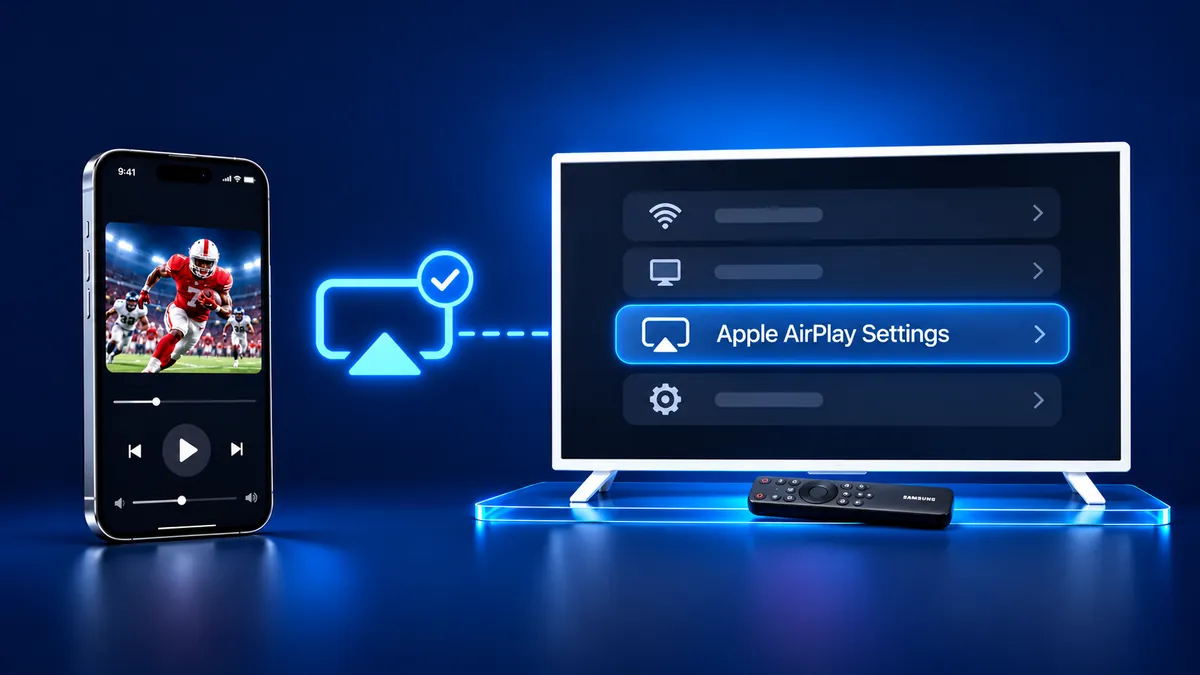
Yes, select Samsung TVs have AirPlay: Samsung says AirPlay 2 is on select models from 2018 to 2025 and publishes no model list. Open Settings, then General (Connection on 2023 and newer sets), then Apple AirPlay Settings. If that entry is missing, the Screen Mirroring · Smart TV app finds your TV on its own.
Contents
Does Samsung TV have AirPlay?
Yes, select models have it. Samsung's AirPlay 2 page says AirPlay 2 is available on select Samsung TV models from 2018 to 2025 and gives no model list. Samsung's Singapore page, updated May 26, 2023, lists sets from 2018 to 2023, and Apple's list for Samsung ends at 2023 too. For a 2024 or 2025 set, the TV menu is the test.
Where is Apple AirPlay Settings on a Samsung TV?
Open Settings, then All Settings, then General, then Apple AirPlay Settings. On 2023 and newer models, Samsung puts the entry under Connection instead.
Samsung's pages disagree about 2022 sets. The US page names Connection for 2023 and newer in one line and for 2022 to 2025 TVs in another. On a 2022 set, check both menus.
| Samsung page | Years it names | Menu path |
|---|---|---|
| US page | 2018 to 2025 | Connection |
| Singapore page | 2018 to 2023 | Connection |
| UK page | After 2019 | Connection |
How to AirPlay to Samsung TV from iPhone
AirPlay needs a supported set, one Wi-Fi network, AirPlay switched on in the TV menu and Control Center on the iPhone.
- Join the iPhone to the Wi-Fi network the TV uses. Samsung says AirPlay will not work over a mobile hotspot.
- On the TV, go to Settings (All Settings), select General (Connection on 2023 and newer models), then Apple AirPlay Settings, and switch AirPlay on.
- On the iPhone, open Control Center. On an iPhone X or later, swipe down from the upper-right corner.
- Tap Screen Mirroring, then select your Samsung TV from the list.
- If an AirPlay passcode appears on the TV, enter it on your iPhone. The TV may ask for a code the first time.
- To stop, open Control Center, tap Screen Mirroring, then tap Stop Mirroring.
With the app there is no code to type.
How to cast photos from iPhone to TV?
In the Photos app you can send one photo or video with AirPlay, without mirroring the whole screen, as Apple's guide shows. Open Photos, select the photo or video, tap the Share icon, tap AirPlay, then tap your Samsung TV's name. Enter the code if one shows. To stop, tap the AirPlay button in the app, then your iPhone.
Is screen mirroring secure?
Samsung describes three things around AirPlay.
- Samsung's UK page says that for screen mirroring, devices need to be on the same Wi-Fi network as a security measure.
- Require Code lets you ask for a passcode the first time an iPhone connects or every time, or set your own.
- Reset Paired Devices clears all iOS devices the TV has saved.
Screen mirroring iPhone to Samsung TV without AirPlay
The Screen Mirroring · Smart TV app finds your Samsung on its own when the iPhone and the TV share a Wi-Fi network. Pick your Samsung once and the app remembers your TV. Next time is one tap.
It casts photos and videos from your gallery to the big screen. Free download on the App Store.
Still want AirPlay? If Apple AirPlay Settings is missing, check the Connection menu, then these:
- The set may not be one of the select models. Samsung's Singapore page says evolution kits will not add AirPlay 2.
- Samsung's troubleshooting page links a missing option to an application not downloaded from Samsung's server and suggests a Smart Hub reset. Our guide on Samsung TV AirPlay not working has the steps.
What to remember
- Samsung's three pages give three year ranges.
- Apple AirPlay Settings is under General, or Connection on 2023 and newer sets.
- AirPlay will not work over a mobile hotspot, Samsung says.
Questions people ask
How to do screen mirroring in Samsung TV?
On an iPhone, switch AirPlay on in the TV menu, open Control Center, tap Screen Mirroring and pick your Samsung. The iPhone and the TV need one Wi-Fi network.
Why isn't my AirPlay connecting to my TV?
If AirPlay will not connect, the Screen Mirroring · Smart TV app finds your Samsung on its own. Still want AirPlay? Run Apple's checklist: update both devices, join one Wi-Fi network and restart both. Also check that AirPlay is on and the iPhone is not on a hotspot.
Can you AirPlay to a Samsung TV?
Yes, on select models. Look for Apple AirPlay Settings in the TV menu. If the entry is missing, the Screen Mirroring · Smart TV app is the other route.
Read next
More guides
- Why Netflix Won't Mirror or AirPlay From an iPhone
- Arcelik TV Screen Mirroring From an iPhone (2026)
- Vestel TV Screen Mirroring: iPhone and Android (2026)
- How to Mirror iPad to Roku TV: Steps and Models (2026)
- TV Not Showing Up on AirPlay? How to Fix It (2026)
- AirPlay Password: Where the TV Code Comes From (2026)
- How to Fix No Sound in Screen Mirroring (2026)
- Apple TV Screen Mirroring From iPhone (2026)
- Hisense TV AirPlay: How to AirPlay on Hisense TV (2026)
- TCL TV AirPlay: How to AirPlay to TCL TV (2026)
- How to AirPlay on Google TV: Which TVs Have It (2026)
- How to Cast to Chromecast From an iPhone (2026)
- How to Mirror iPad to TV: 3 Ways That Work (2026)
- What Is Screen Mirroring? How It Works on iPhone
- Vizio AirPlay: Mirror Your iPhone to a Vizio TV (2026)
- What Is AirPlay? How It Works on iPhone and TV (2026)
- Can You AirPlay to Firestick? Only Some Fire TVs (2026)
- LG TV AirPlay: Which Models Have It and How to Use It
- How to AirPlay on Roku: iPhone Steps and Models (2026)
- How to Turn Off AirPlay on iPhone, iPad, Mac and TV
