Can You AirPlay Without Wi-Fi?
Does AirPlay require Wi-Fi? For a smart TV, yes, on the same network. An Apple TV is the exception: peer-to-peer AirPlay needs no network, with an Apple TV HD on tvOS 9 or later, or a 4K on tvOS 11 or later. With nothing around, an HDMI cable works, and iPhone 15 and later models take one over USB-C.
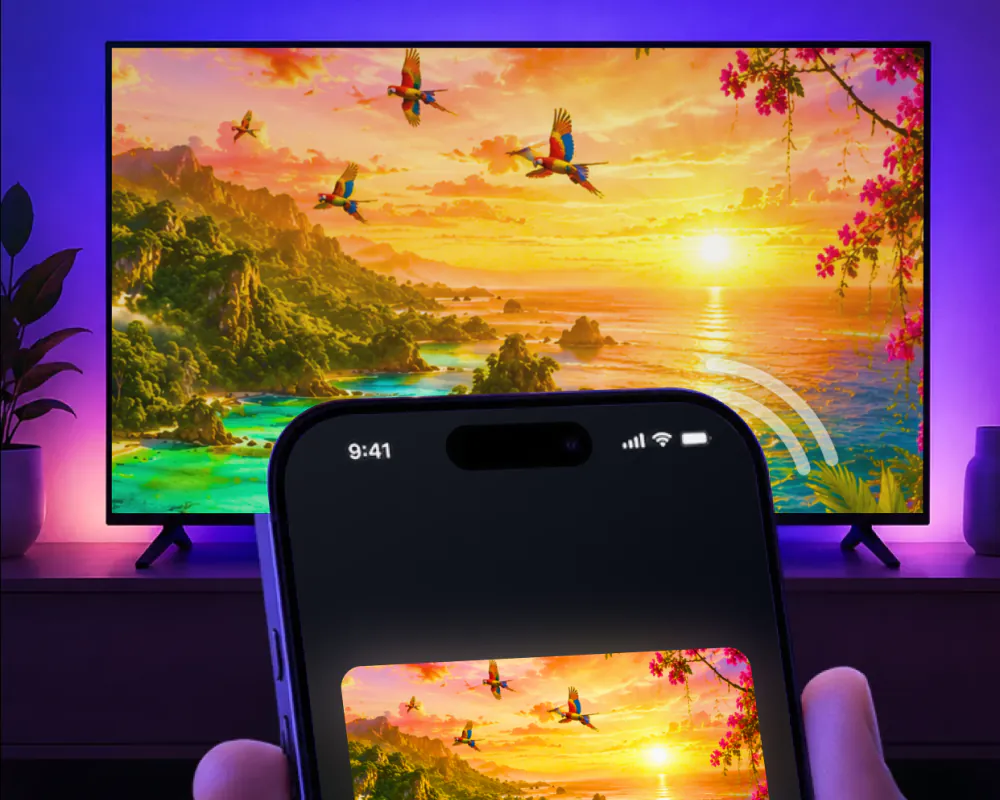
What AirPlay needs from your network
AirPlay is built for a room, not for the internet. Apple's own instructions put the iPhone and the receiver, an Apple TV, a Mac or an AirPlay-compatible smart TV, on the same Wi-Fi network before anything else happens.
There is one exception. An Apple TV can also work peer-to-peer, with no network in the picture at all, and Apple doesn't document that same workaround for a smart TV.
The wider question, including Android phones, casting and Roku, is covered in screen mirror without Wi-Fi. This one stays with AirPlay and the iPhone.
How to mirror iPhone to TV without Wi-Fi
A cable skips the network question entirely. Plug an adapter into the charging port on the iPhone and run an HDMI cable to the TV, or use a single USB-C to HDMI cable on the models that support it.
iPhone 15 and later models have USB-C, and one with HDMI 2.0 support can carry 4K at 60Hz. Every iPhone with a Lightning port instead takes the Lightning Digital AV Adapter, which has a spare port to keep the phone charging while it plays.
- USB-C iPhone: a USB-C to HDMI cable, or a USB-C to HDMI adapter.
- Lightning iPhone: the Lightning Digital AV Adapter, plugged into an HDMI cable.
- Either way, the adapter has to match the iPhone's own connector.
What a cable can and can't do
A cable has its own limits. Movies, TV shows and some streaming video apps require HDCP, and without it, an alert asks for an HDCP-compatible display. A VGA adapter carries no audio at all, and Apple notes that some apps aren't compatible with every adapter.
The iPhone 16e and 17e sit outside all of this: Apple's own list excludes them from sending video over the USB-C connector, and points them to AirPlay instead. With no Wi-Fi around, that leaves peer-to-peer AirPlay to an Apple TV as their only way to a screen.
AirPlay to an Apple TV with no network at all
Apple states it plainly: to use AirPlay, devices don't need to be on the same network, or on any network at all, as long as the receiver is an Apple TV. Peer-to-peer AirPlay takes an Apple TV HD on tvOS 9 or later, or an Apple TV 4K on tvOS 11 or later, plus an iPhone from late 2012 or later on the latest iOS.
Apple recommends keeping the iPhone within 25 to 30 feet of the Apple TV, and the connection is always secured with device authentication. The Apple TV also carries its own Peer-to-Peer Wireless setting, which can be switched off to save energy, so it's worth checking if the picture won't come through.
Even so, the Apple TV has to allow it. Its AirPlay access can stay open to everyone, which covers peer-to-peer, or narrow to devices on the same local network, which shuts out an iPhone with no network of its own. Apple encourages a network connection anyway, for software updates and for content that streams from the internet.
If the Apple TV still won't show up on a shared network, work through AirPlay not working.
AirPlay in a hotel room
Hotels split into two kinds. LG's newest Smart Hotel TVs take AirPlay right out of the box, and older sets can add it with a software update; a guest connects by scanning a QR code on the screen. Samsung's Hospitality TVs work the same way, once the hotel turns the feature on in its own management system.
The widest program is Apple's own: AirPlay reaches more than 60 IHG hotel properties across North America, including Kimpton, Hotel Indigo and InterContinental. Scan the QR code on the LG set in the room, and the connection to that TV is erased the moment you check out. It needs an iPhone Xs or later on iOS 17.3 or later.
Outside those programs, a hotel TV usually says no. Consumer AirPlay is stripped from the hospitality firmware, and hotel Wi-Fi runs client isolation, so the phone and the TV can't see each other even on the same network name. Apple notes that AirPlay in hotels isn't available in every country or region either. An HDMI cable at the set is the way around it, where the port isn't blocked.
| Hotel TV | AirPlay | How you connect |
|---|---|---|
| LG Smart Hotel TV | Yes | Scan the QR code on the screen; older sets need a software update first |
| Samsung Hospitality TV | Yes, if enabled | Scan the QR code; the hotel has to turn the feature on |
| LG sets in 60+ IHG hotels | Yes | Scan the QR code; needs an iPhone Xs or later on iOS 17.3 or later |
| Any other hotel TV | Usually no | Hotel Wi-Fi isolates guests, and consumer AirPlay is stripped from the firmware |
The app for every other TV in the house
Screen Mirroring · Smart TV puts the same iPhone screen on Roku, Fire TV, Chromecast, Samsung, LG and other major Smart TVs, AirPlay or not. It asks for exactly what AirPlay asks of a smart TV: the iPhone and the TV on the same Wi-Fi network. There's no peer-to-peer mode for the app itself.
The first time, you pick the TV from the list of available devices. After that, the app remembers your TV, so it's one tap, with no codes to type.
Once it's connected, stream videos from apps like Instagram, TikTok and YouTube, cast photos and videos from the gallery, or put a video call on the big screen. Our main guide to connect iPhone to TV walks through the Wi-Fi setup.
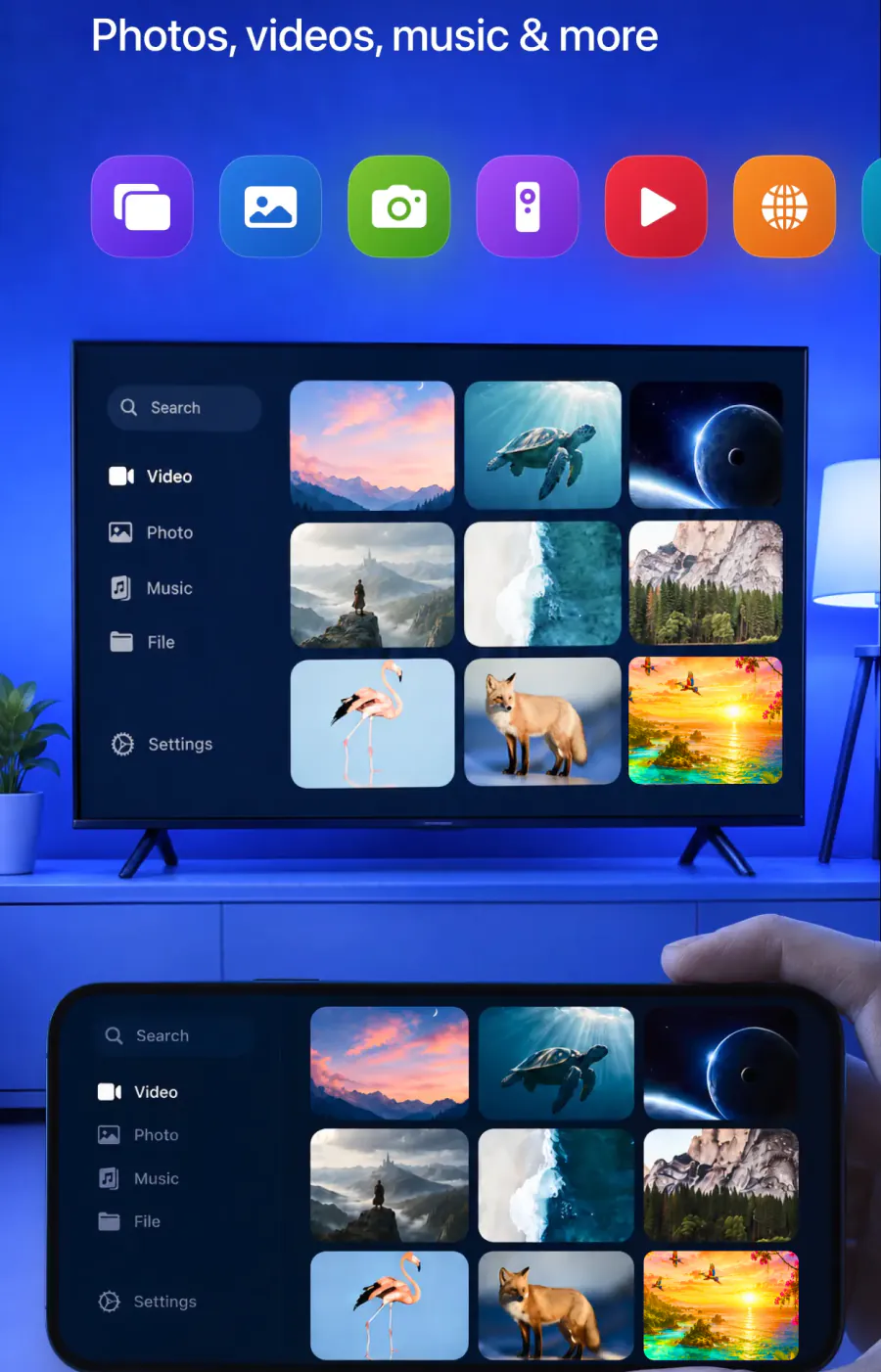
Put the iPhone on the big screen
On the same Wi-Fi, pick the TV once. The app remembers it, so next time is one tap, with no codes to type.
Subscription is billed by Apple inside the app. 4.61★ from 7,860 ratings.